Visual Studio Code documentation
Get started with AI agents
Hand off tasks to autonomous AI agents that iterate until the job is done. Run them locally, in the background, or in the cloud, with your choice of AI provider. Track all sessions without leaving VS Code.
Get started →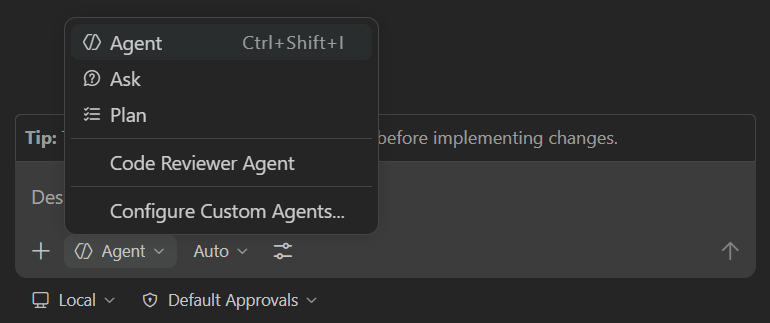
What do you want to do?
Latest
release
VS Code 1.139 release
Run agents in remote Dev Containers, manage sessions with faster, more compact lists, and edit with word wrap indicators and smarter bracket auto-closing.
documentation
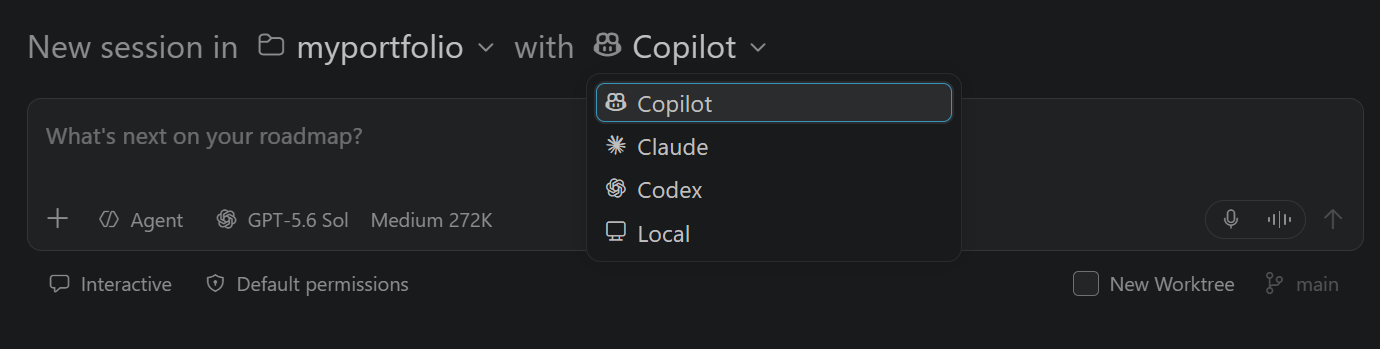
Agent harness concepts
Understand the core concepts and how to use different types of harnesses within VS Code.
blog
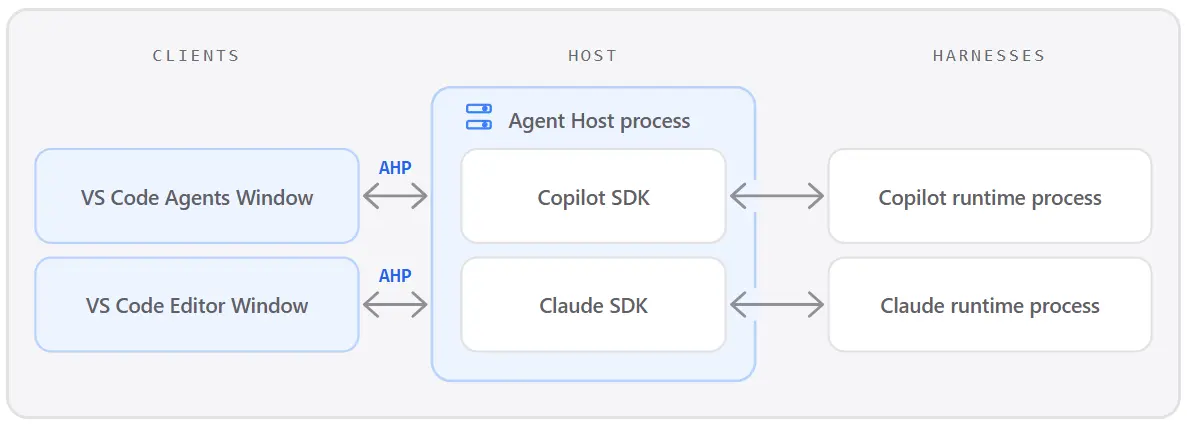
Introducing the Agent Host
Learn how the VS Code Agent Host and Agent Host Protocol (AHP) enable persistent, portable agent sessions across windows, clients, and local or remote environments.