Edit, build, and debug with confidence
Visual Studio Code gives you smart code completions, rich navigation, built-in debugging, integrated testing, and Git. All in a fast, free editor that supports hundreds of languages.
 Download
Built-in tools for every step
Keep your developer inner loop moving with built-in tools to write, run, debug, test, and commit your code.
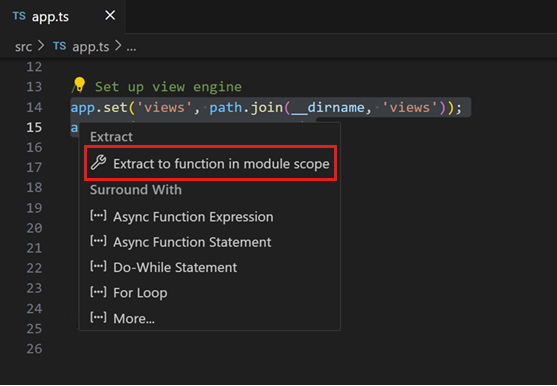
Code smarter, not harder
Combine IntelliSense completions that understand your code's types and imports with AI inline suggestions for your next edit. Edit multiple lines at once with multi-cursor, insert snippets with a keystroke, and use quick fixes and refactorings to improve your code as you go.
Highlights: IntelliSense, AI inline suggestions, quick fixes, refactoring, multi-cursor editing, and snippets.
Explore code editing features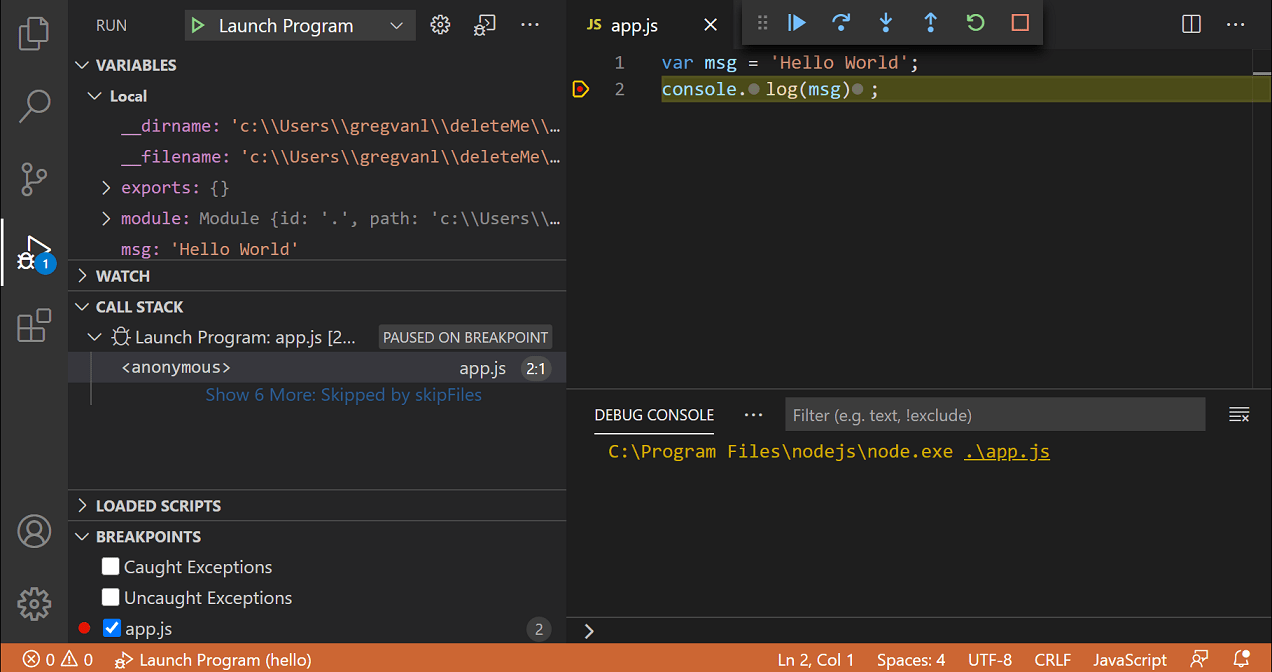
Debug without leaving the editor
Set breakpoints, step through code, inspect variables, and view call stacks, all without leaving VS Code. The built-in debugger supports Node.js, TypeScript, and JavaScript out of the box, with extensions for Python, C#, Java, and more.
Highlights: breakpoints, watch expressions, call stacks, inline values, debug console, and launch configurations.
Get started with debugging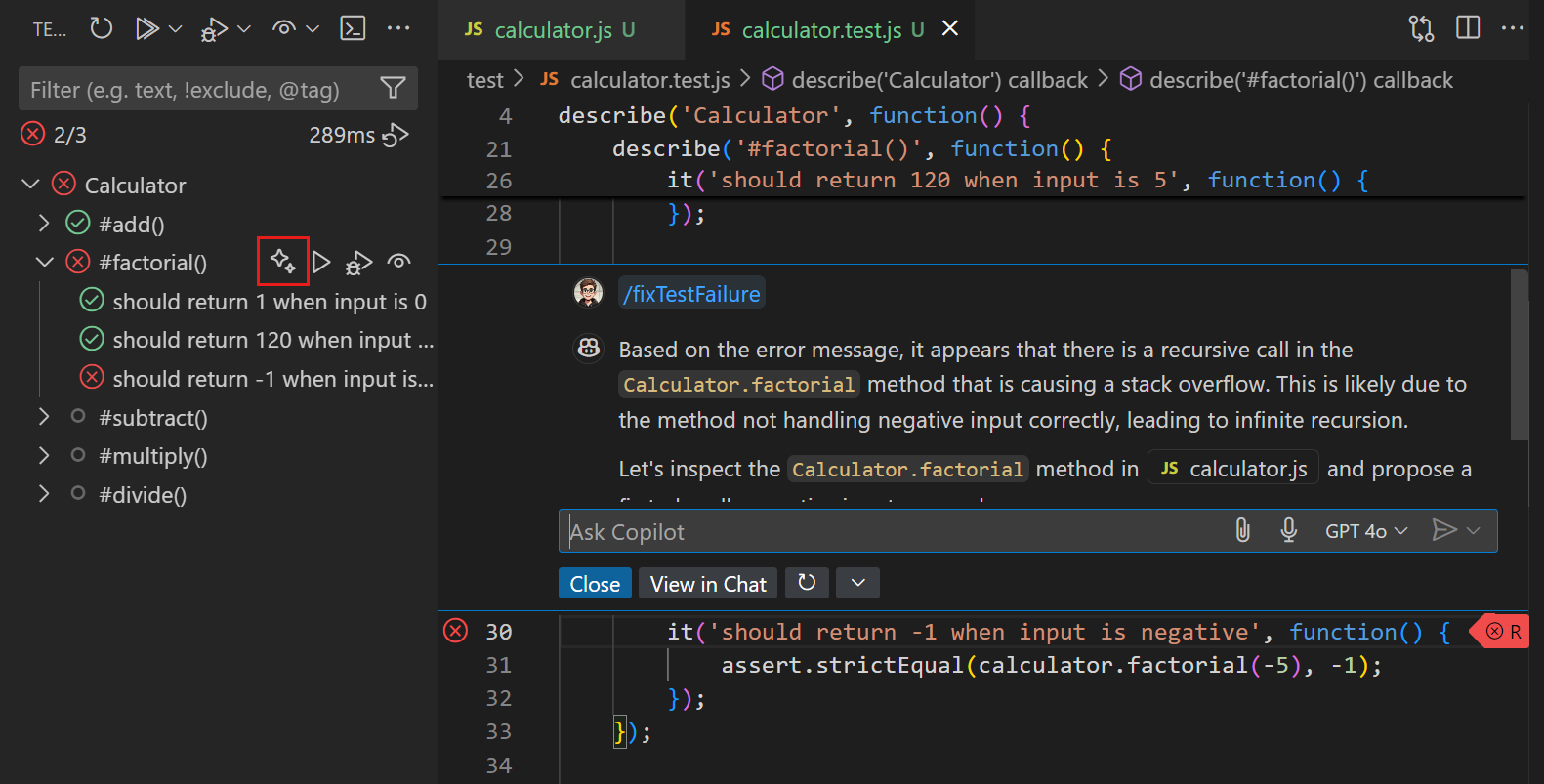
Run and manage tests, right in the editor
Run and manage tests from the Test Explorer, see results inline, and measure code coverage to catch gaps before they reach production. Extensions bring testing support for every major framework, including Jest, pytest, JUnit, and more. Use AI assistance from GitHub Copilot to diagnose test failures and suggest fixes.
Highlights: Test Explorer, inline pass/fail indicators, code coverage overlays, and continuous run mode.
Explore testing in VS Code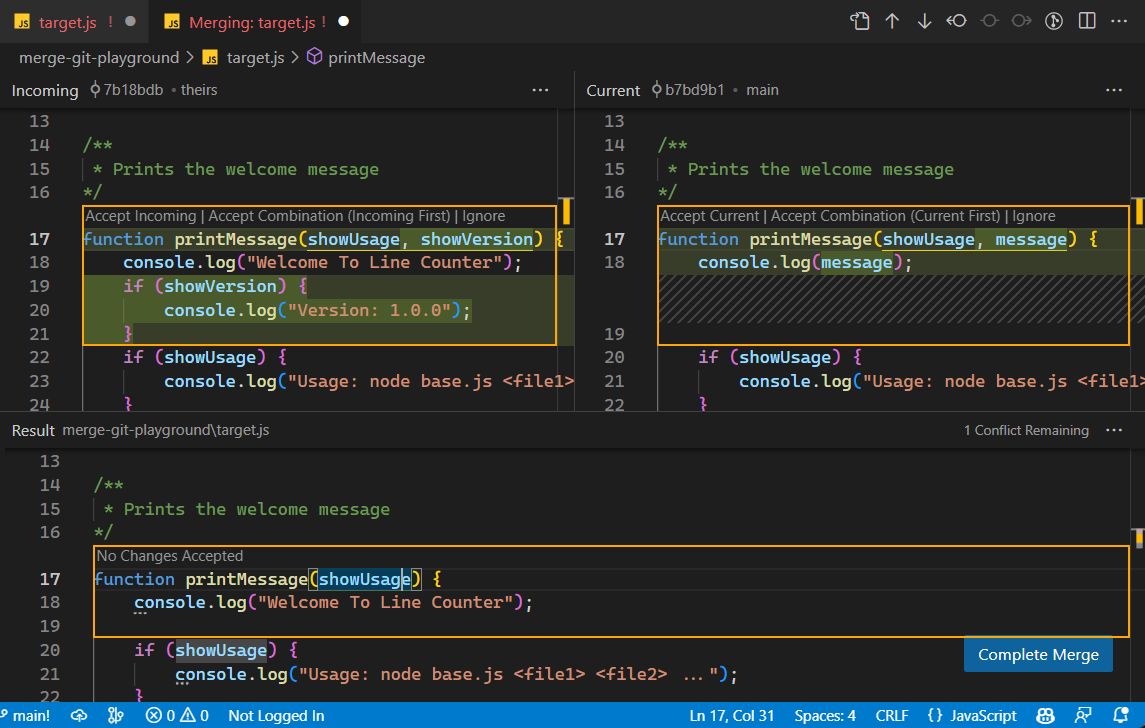
Git, built in
Stage changes, write commits, create branches, and resolve merge conflicts, all from a visual interface that stays in sync with the Git CLI. Review diffs inline, browse file history in the Timeline view, and manage pull requests with the GitHub Pull Requests extension.
Highlights: staging, inline diffs, branch management, merge conflict resolution, Timeline view, and GitHub PR integration.
Learn about source controlYour language, fully supported
JavaScript, TypeScript, JSON, CSS, and HTML work out of the box with rich IntelliSense, linting, and formatting. For Python, Java, C#, C++, Go, Rust, and more, install extensions from the Visual Studio Marketplace to add syntax highlighting, error checking, refactoring, and debugging for the languages you use.
See supported languages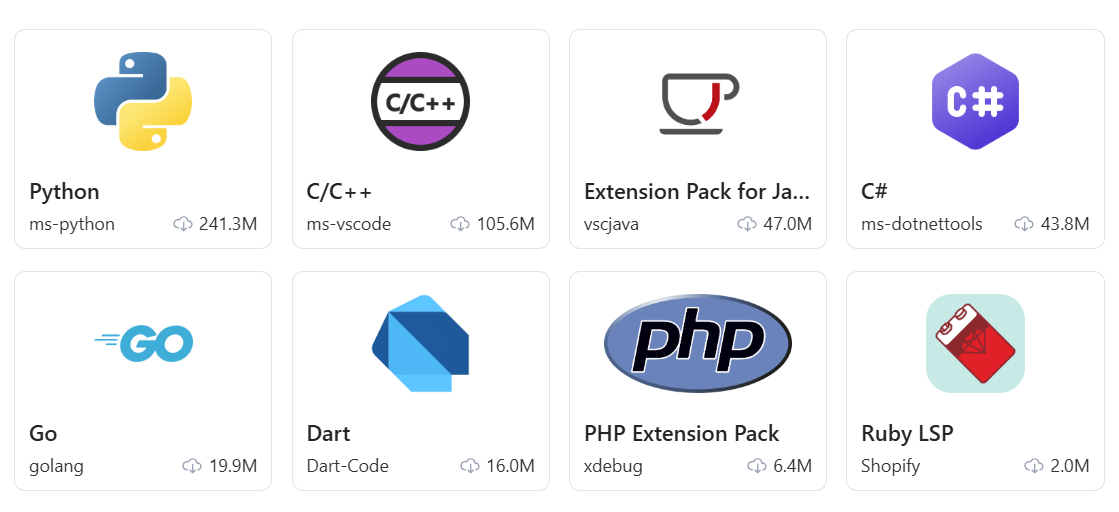
Preview web apps as you code
Open a live browser preview right next to your code. See changes instantly, inspect the DOM, and debug front-end issues without switching windows. Agents can also use the integrated browser to interact with your app and verify their changes.
Learn about the integrated browser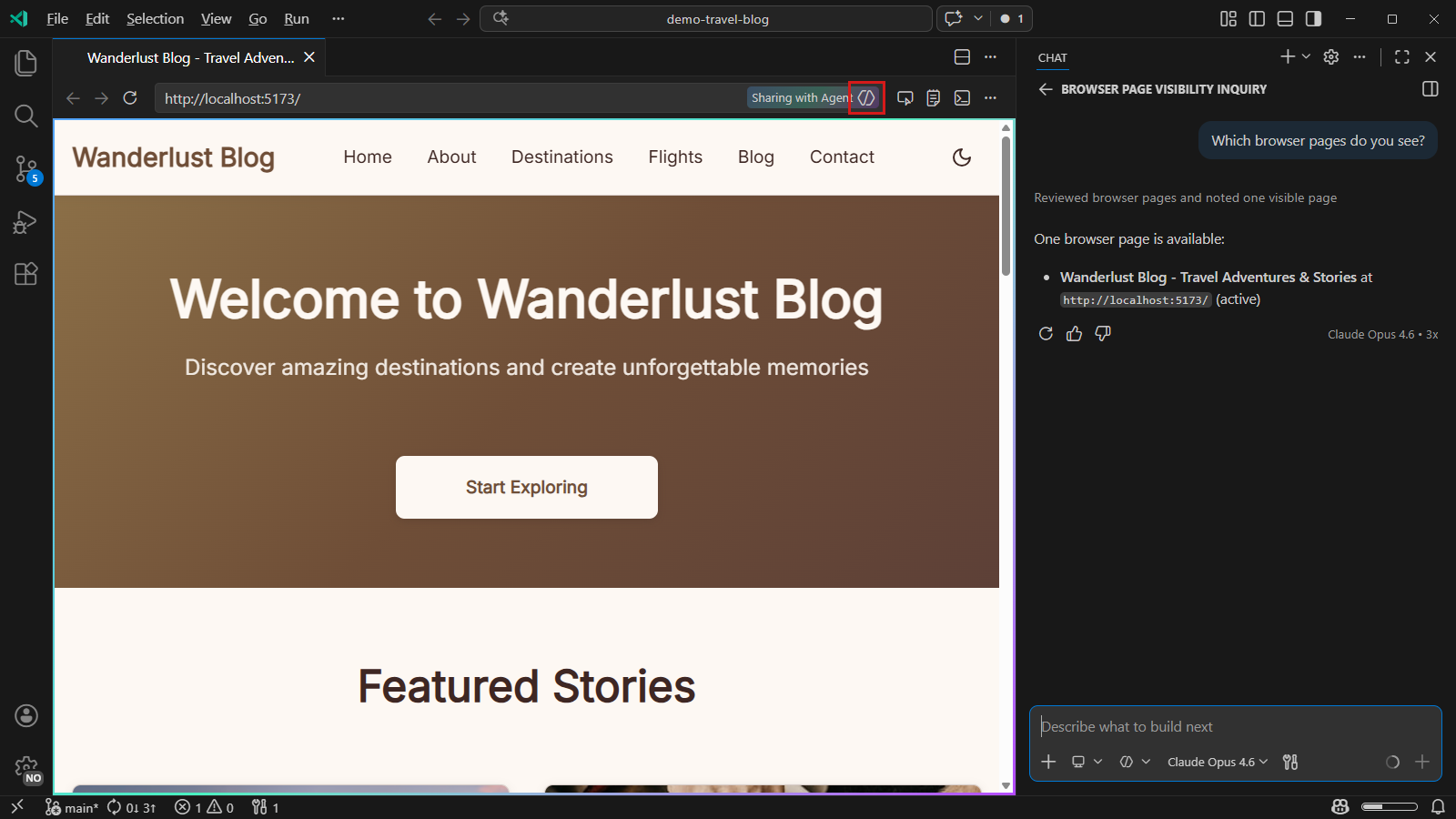
A terminal beside your code
Use your favorite shell in the integrated terminal to run commands, build your project, and start development servers alongside your code. Split terminals to work on multiple tasks, and jump from file links in the output straight to the editor. Fully customizable.
Explore the integrated terminal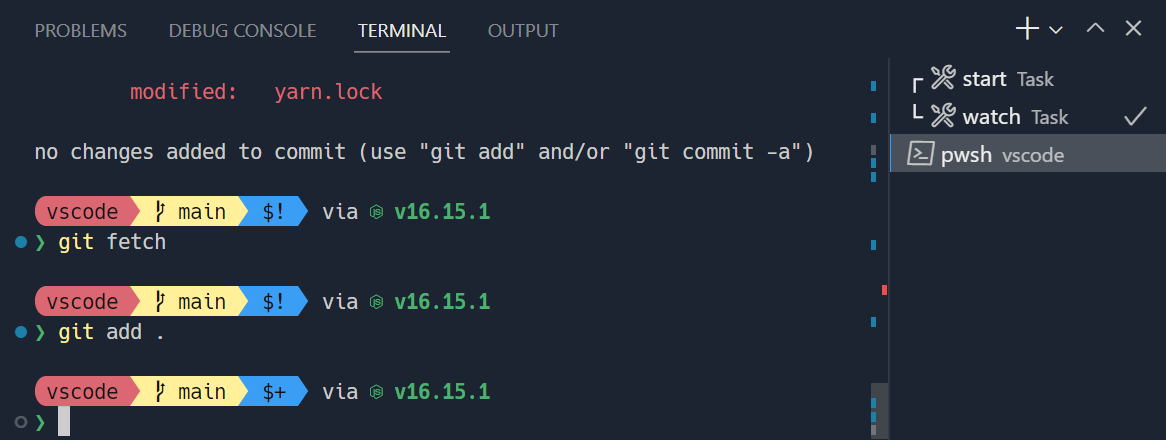
Make it yours
Pick a color theme, remap keyboard shortcuts, and fine-tune hundreds of settings to match the way you work. Sync everything across machines with Settings Sync, or package your setup into a profile you can share with your team.
Explore color themes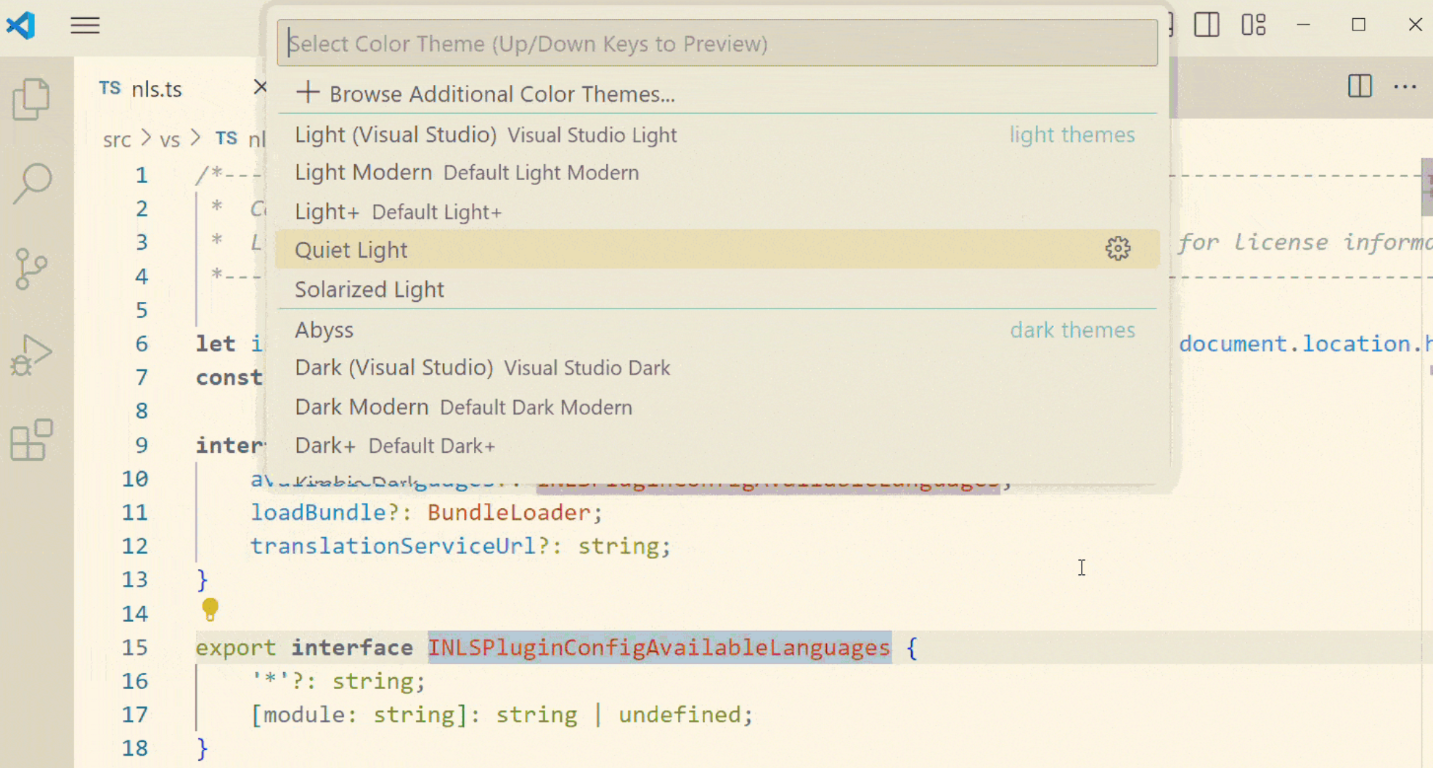
And much more
Refactoring
Rename symbols, extract methods, and organize imports across your entire project with language-aware refactoring.
Integrated terminal
Run commands, scripts, and build tools from a full-featured terminal without leaving the editor.
Code snippets
Insert reusable code patterns with tab stops and variables for faster, more consistent coding.
Timeline & local history
Track file changes over time with built-in local history, even without source control configured.
Accessibility
Screen reader support, high contrast themes, and keyboard-first design so every developer can be productive.
Profiles
Create and switch between profiles to customize settings, extensions, and UI layout for different projects or workflows.