Use the agent harness and models you want
VS Code lets you choose the harness and model separately. Work with GitHub Copilot, Claude Code, or Codex, then choose a model from Anthropic, OpenAI, Google, Microsoft, or an open-weight model. Switch either one when the task changes.
 Download
Choose how your agent works
Pick the agent harness you want, the model it uses, and where your requests run.
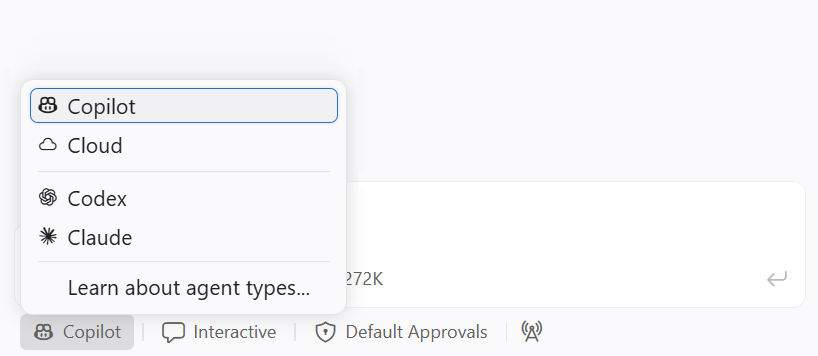
Use the harness you already know
Run GitHub Copilot, Claude Code, or Codex in VS Code. Each harness brings its own tools, permissions, and way of working with your code.
Pick a model for the task
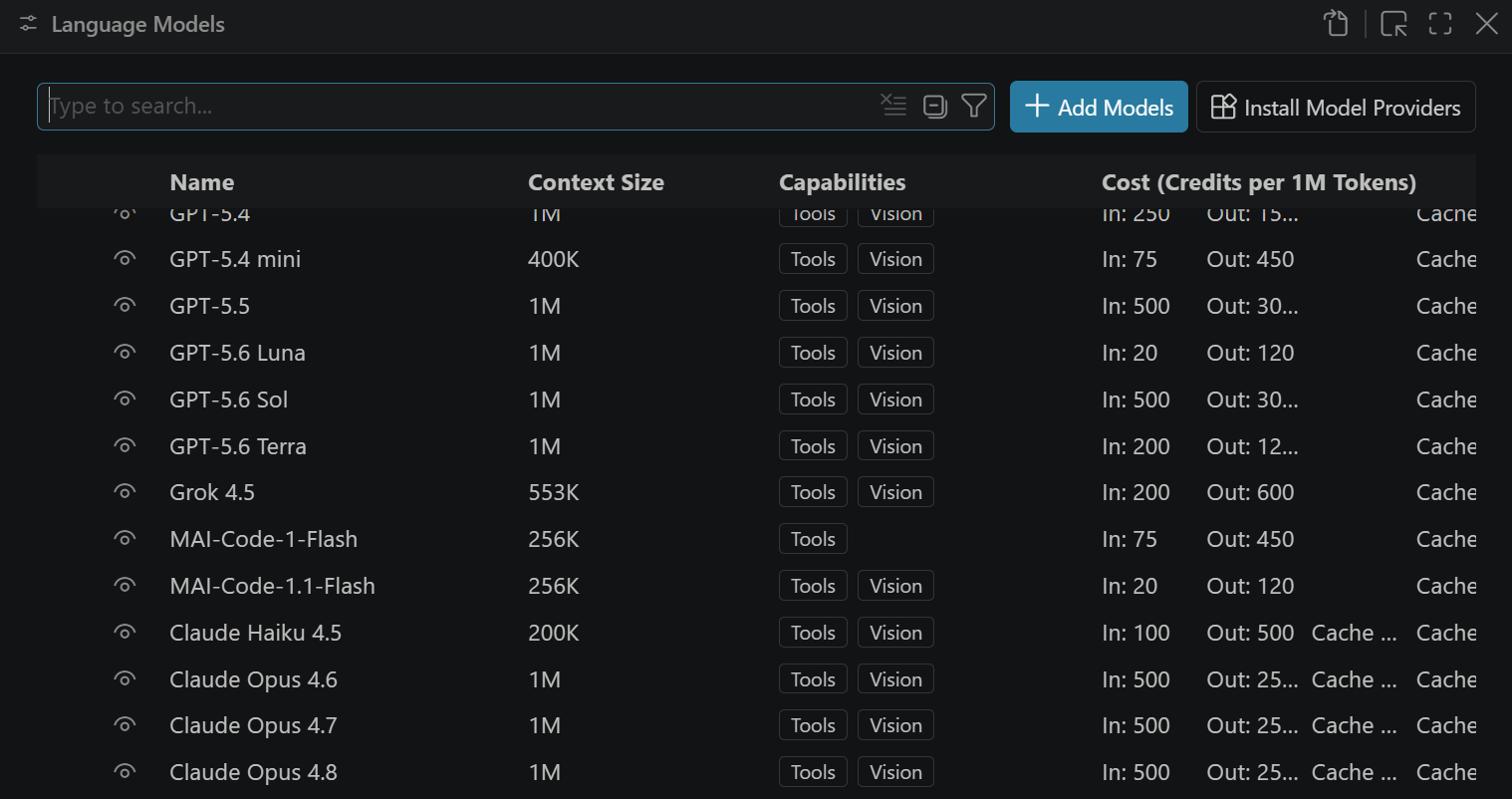
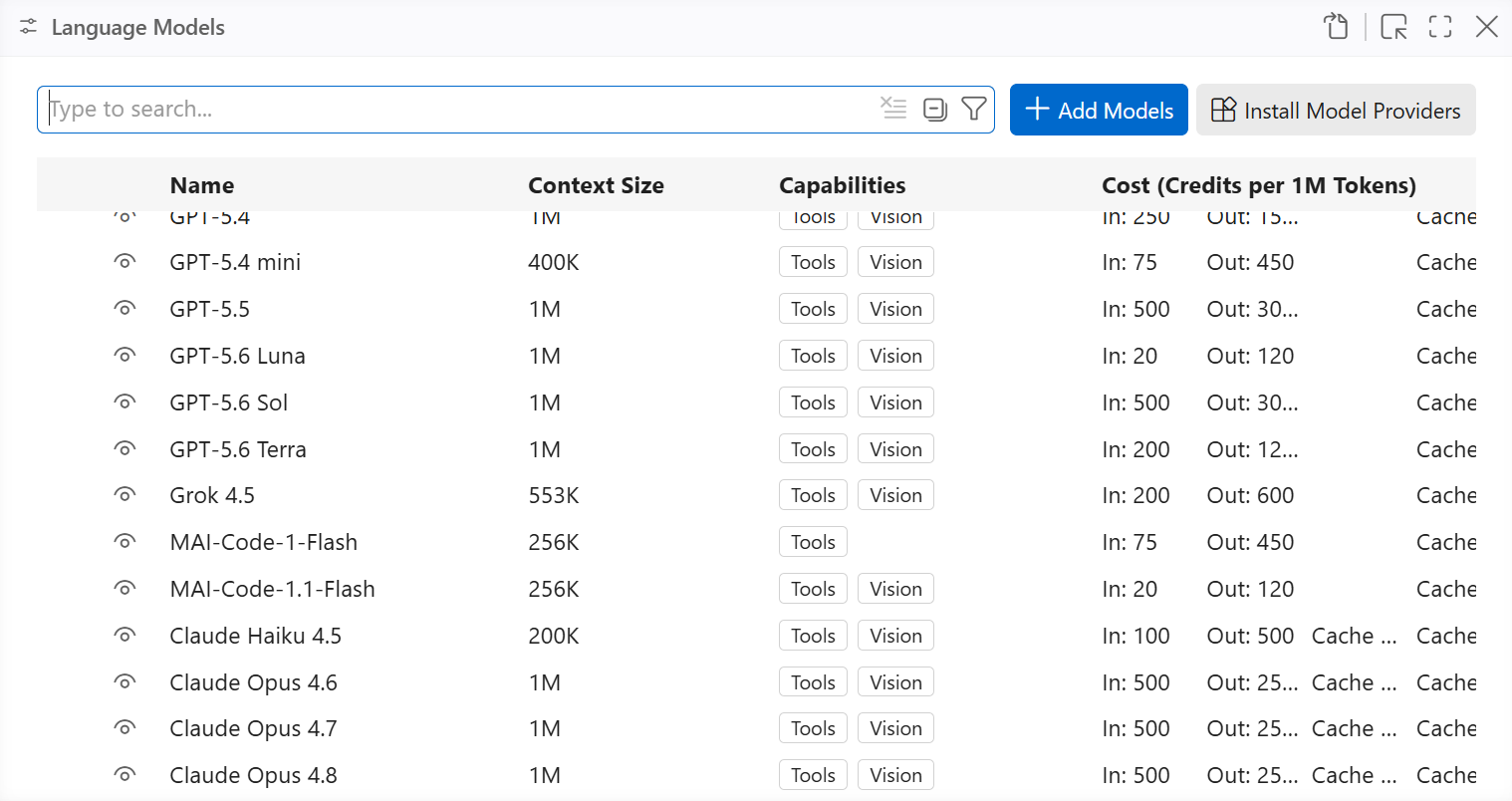
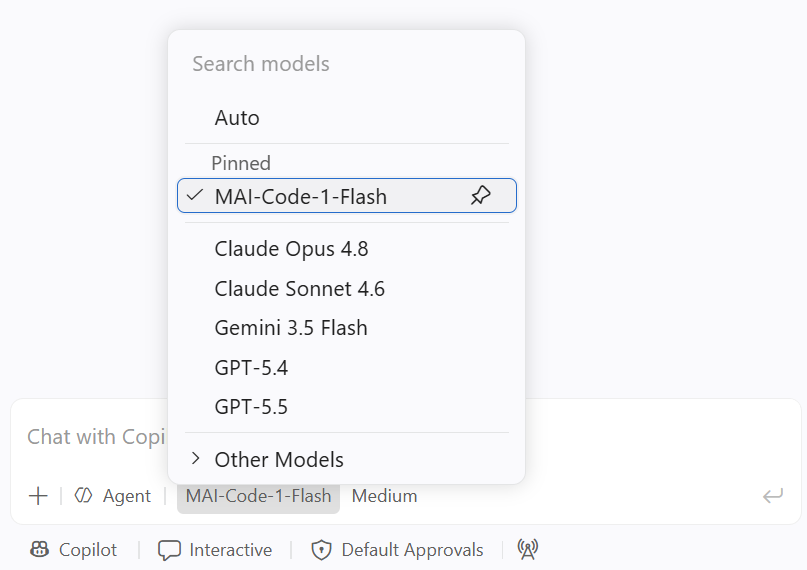
Choose from several providers and open-weight models. Compare speed, reasoning, and context limits instead of using the same model for every job.
Decide where requests run
Use your provider subscription, send requests through an endpoint you control, or run a model locally when you need offline access or want code to stay on your machine.
The harness controls how the work gets done
The agent harness determines where work runs, how it interacts with your workspace, and when it asks for approval. Switch harnesses mid-session and VS Code carries your conversation history and context along with it.
Learn about code isolation and handoff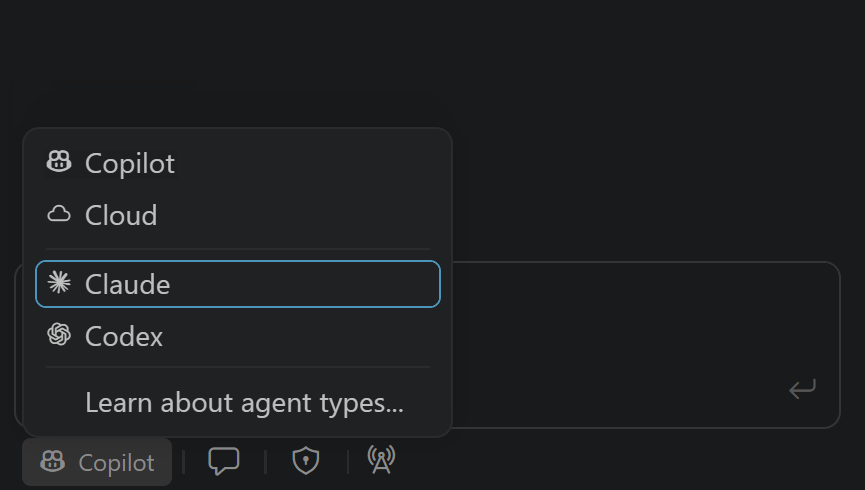
Pair it with the right model
Switch models as your needs change, compare how they handle the same task, and adopt new releases as they land.
See supported language modelsGet more from every AI credit
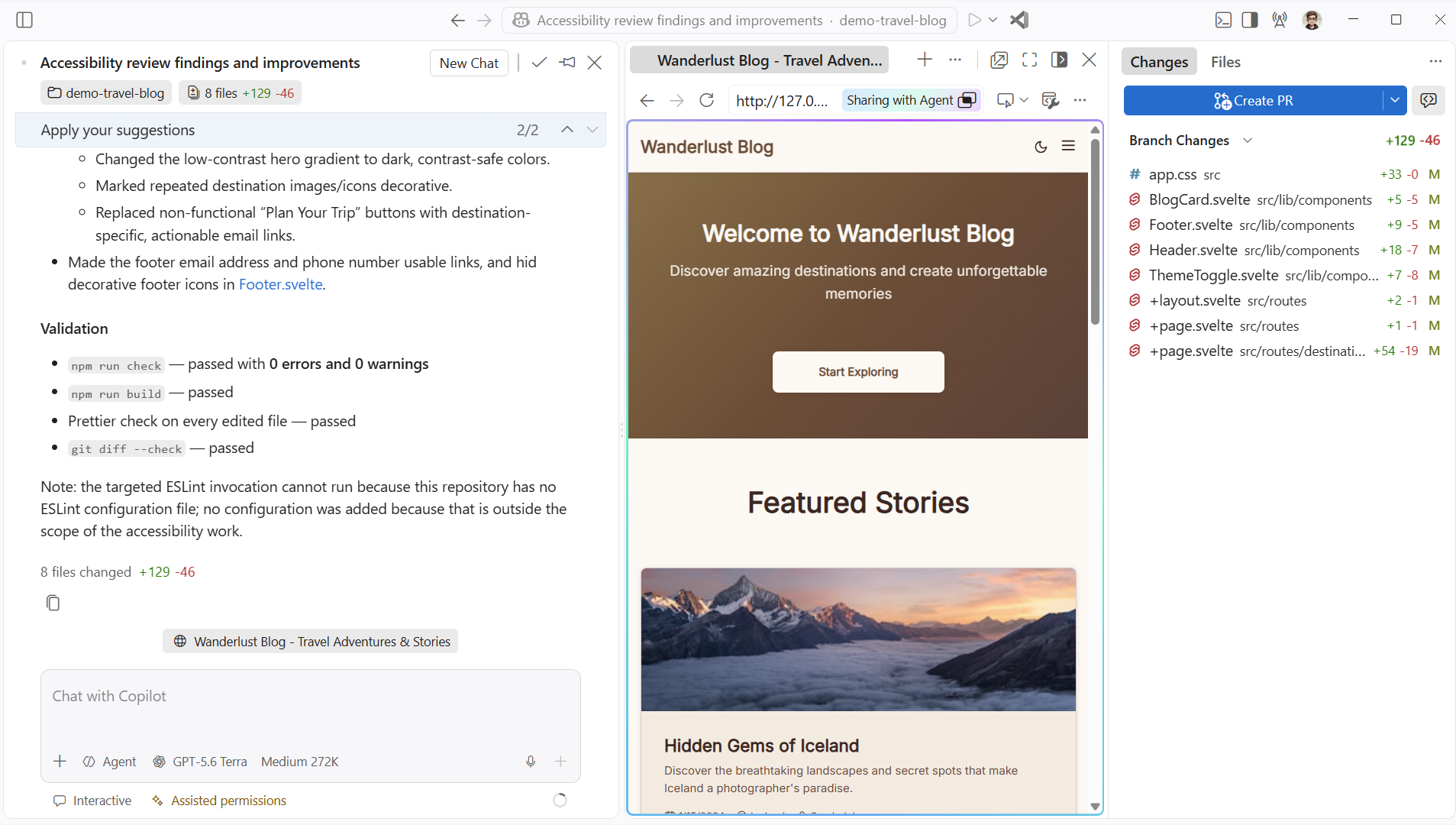
Models use AI credits at different rates. Check the rate before you start, then choose the model that gives the task enough capability without spending more than it needs.
Optimize AI credit usage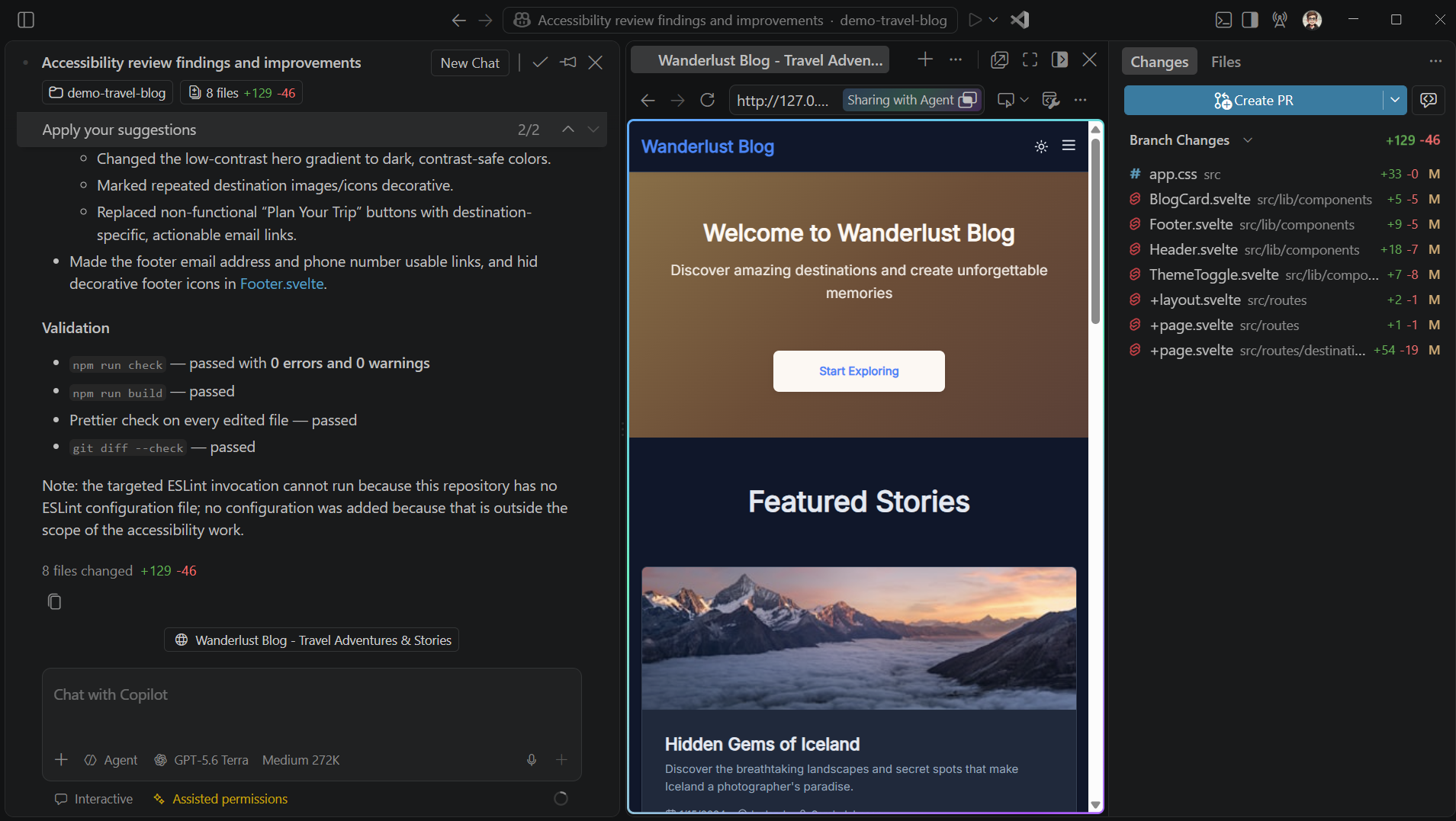
Bring your own key
Connect a provider account with your own API key, or send model requests through infrastructure you control. You can also run supported models locally when the work needs to stay offline or on your machine.
Configure your own model provider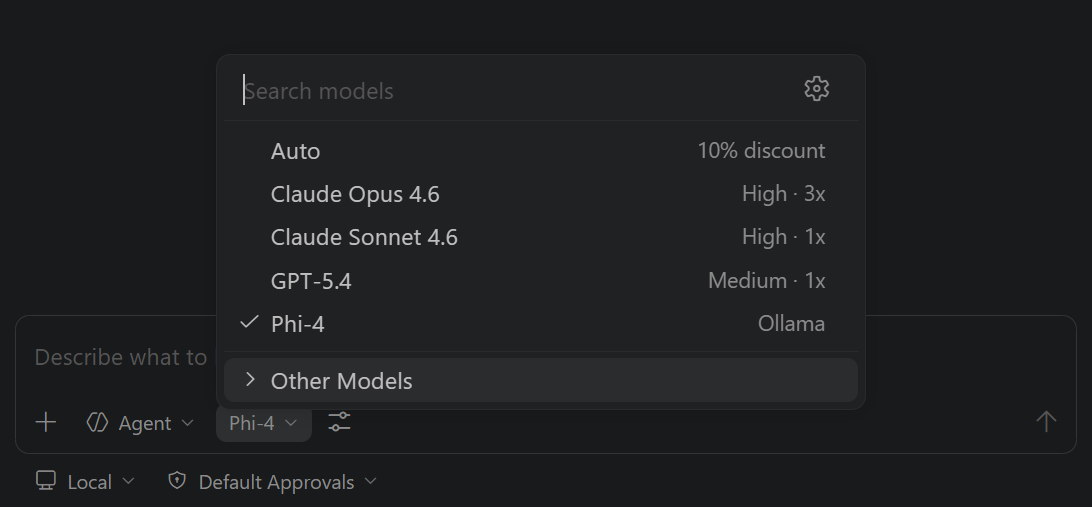
And much more
Language models
See which models are available, how to add a provider, and how to switch between them.
Auto model selection
Let VS Code route each request to an efficient model based on task complexity and service health.
Configure thinking effort
Dial reasoning up for complex problems, or down to reduce latency and AI credit use.
Cache Explorer
Diagnose prompt cache misses between requests to reduce token cost and latency.
Custom agents
Pin a specific model to a purpose-built agent so the right one is always used for the job.
Pick the harness and model that fit the work
Start with the harness and model you already know. Switch when the work needs different tools, stronger reasoning, lower cost, or local execution.