Agent customization in VS Code
Give agents your project standards, proven workflows, and trusted tools so they can do real work with less repeated guidance.
 Download
Spend less time getting agents up to speed
Turn the guidance you repeat every day into a setup agents can reuse across your projects.
Add your project standards
Add your coding conventions, architecture decisions, and file-specific guidance once. Agents apply them without being told again in each prompt.
Waste fewer turns
Clear instructions and saved steps cut repeated context and rework. More of each run goes to the task instead of getting the agent oriented.
Reuse the steps that work
Save a process you repeat as an agent skill. The next time the task comes up, the agent follows the same steps without you walking through them again.
Add specialized agents, tools, and checks
Create custom agents for focused roles, connect external tools and data through MCP servers, and use hooks to run checks automatically.
Package a setup and share it
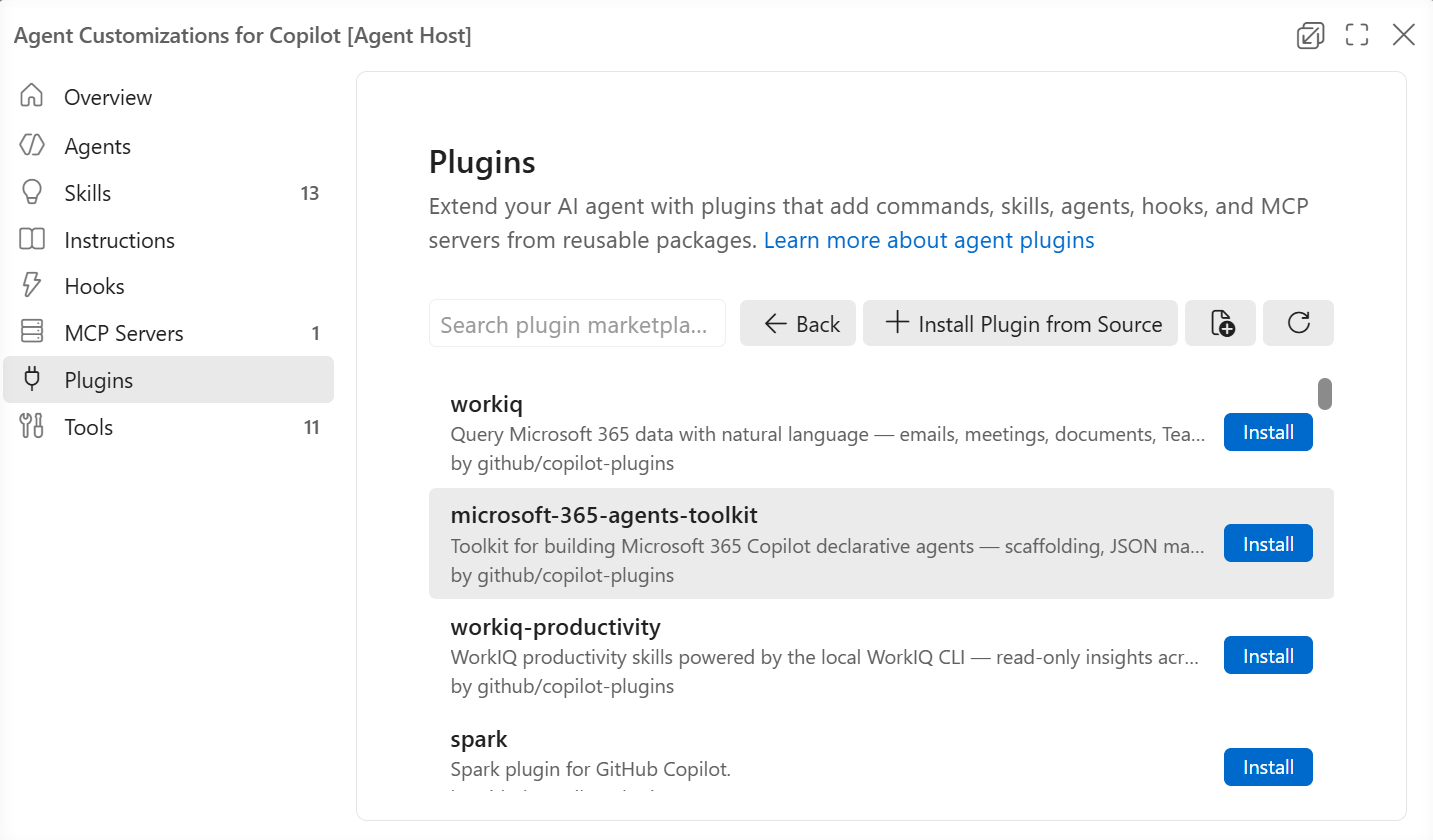
When a setup is working well, package its instructions, skills, custom agents, hooks, and MCP servers as a plugin. Teammates install the whole setup at once, use it across projects, and get updates as your practices change.
Share customizations with plugins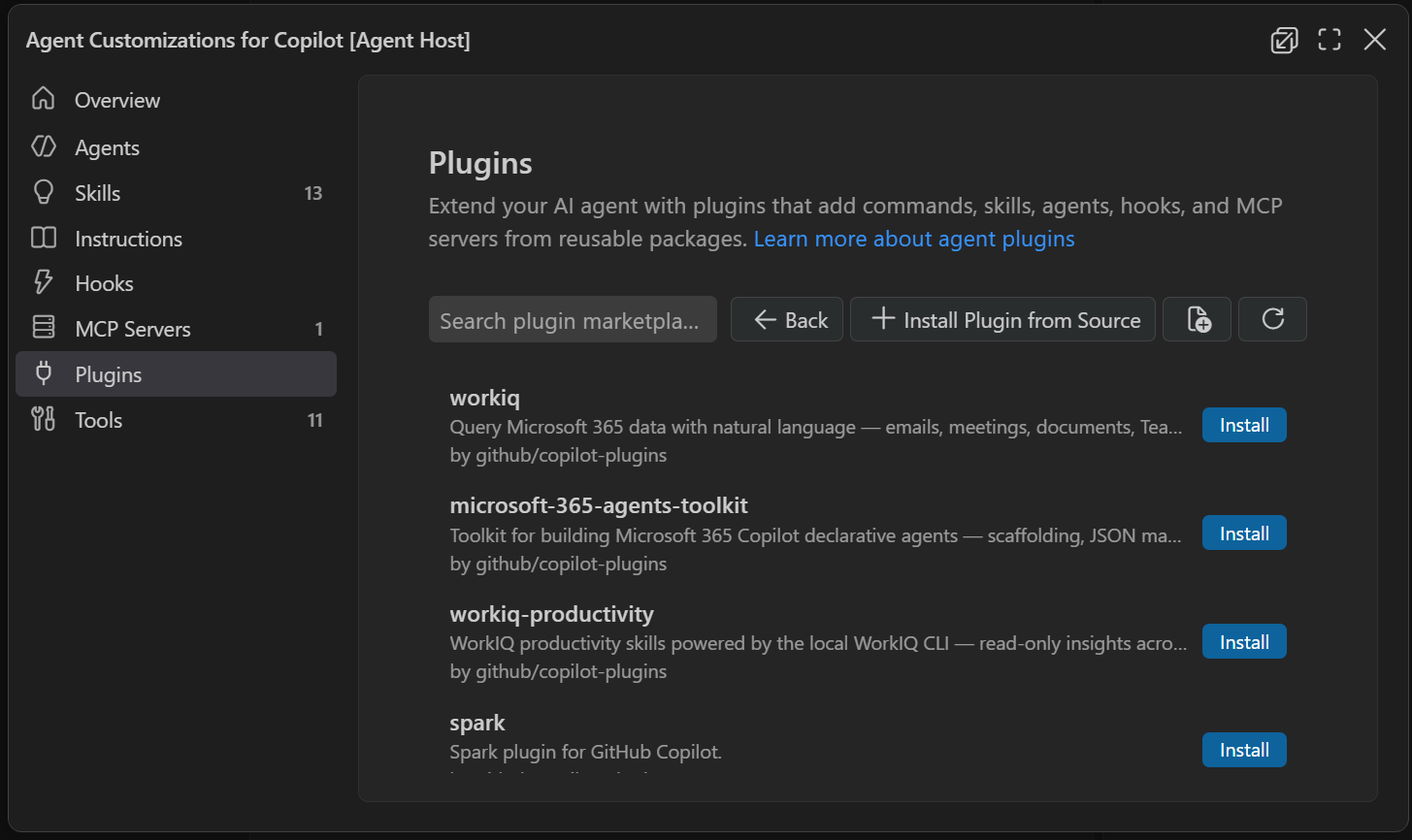
Trace what an agent did, then fix it
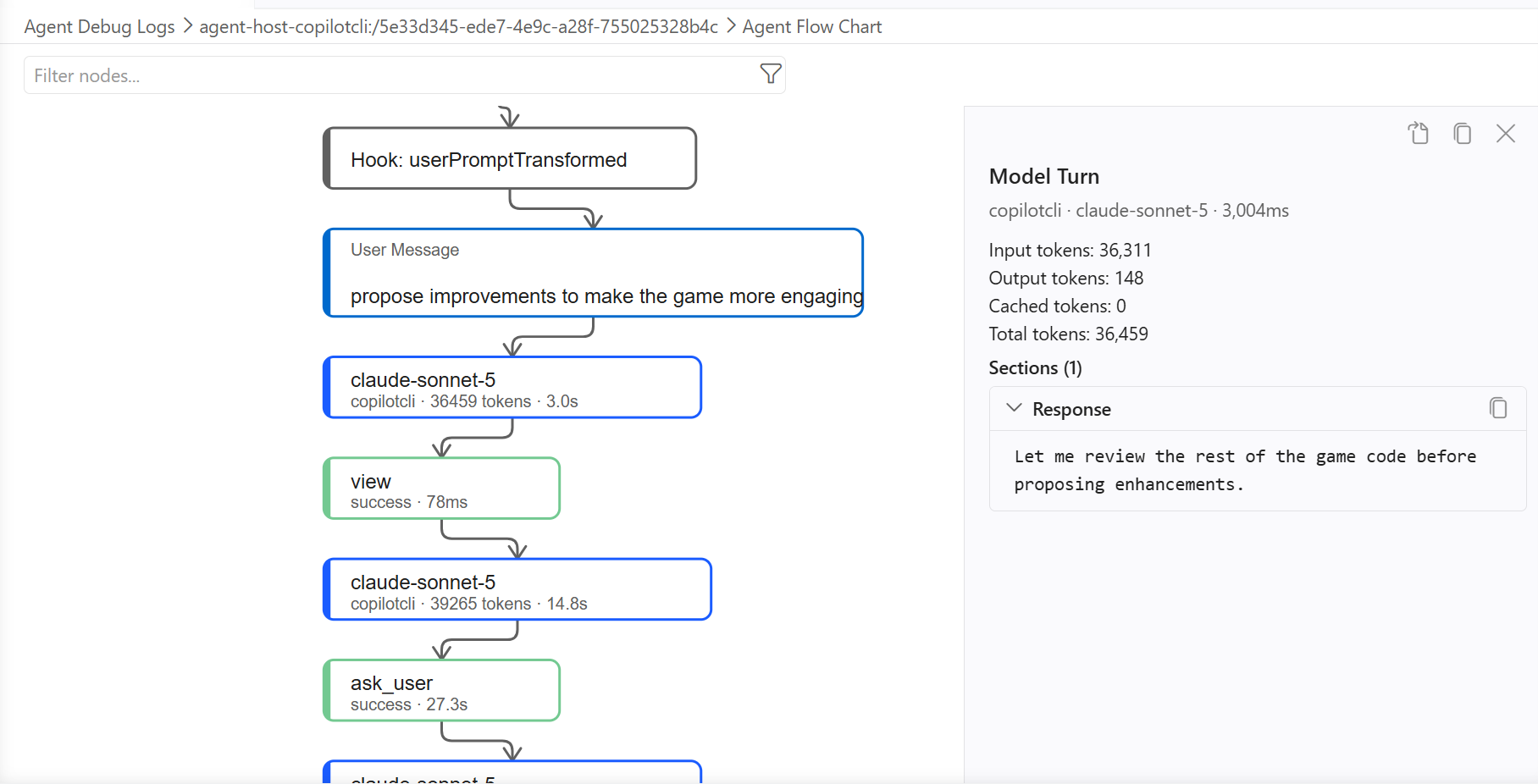
Agent debug logs show each model turn, tool call, token count, and handoff to another agent. Follow the path an agent took to find repeated work, missing context, or a tool it should have used.
Adjust the instructions or workflow and compare the next run. You can make the setup clearer, turn repeated work into a reusable skill, and spend fewer credits on turns that do not help.
Explore Agent Debug Logs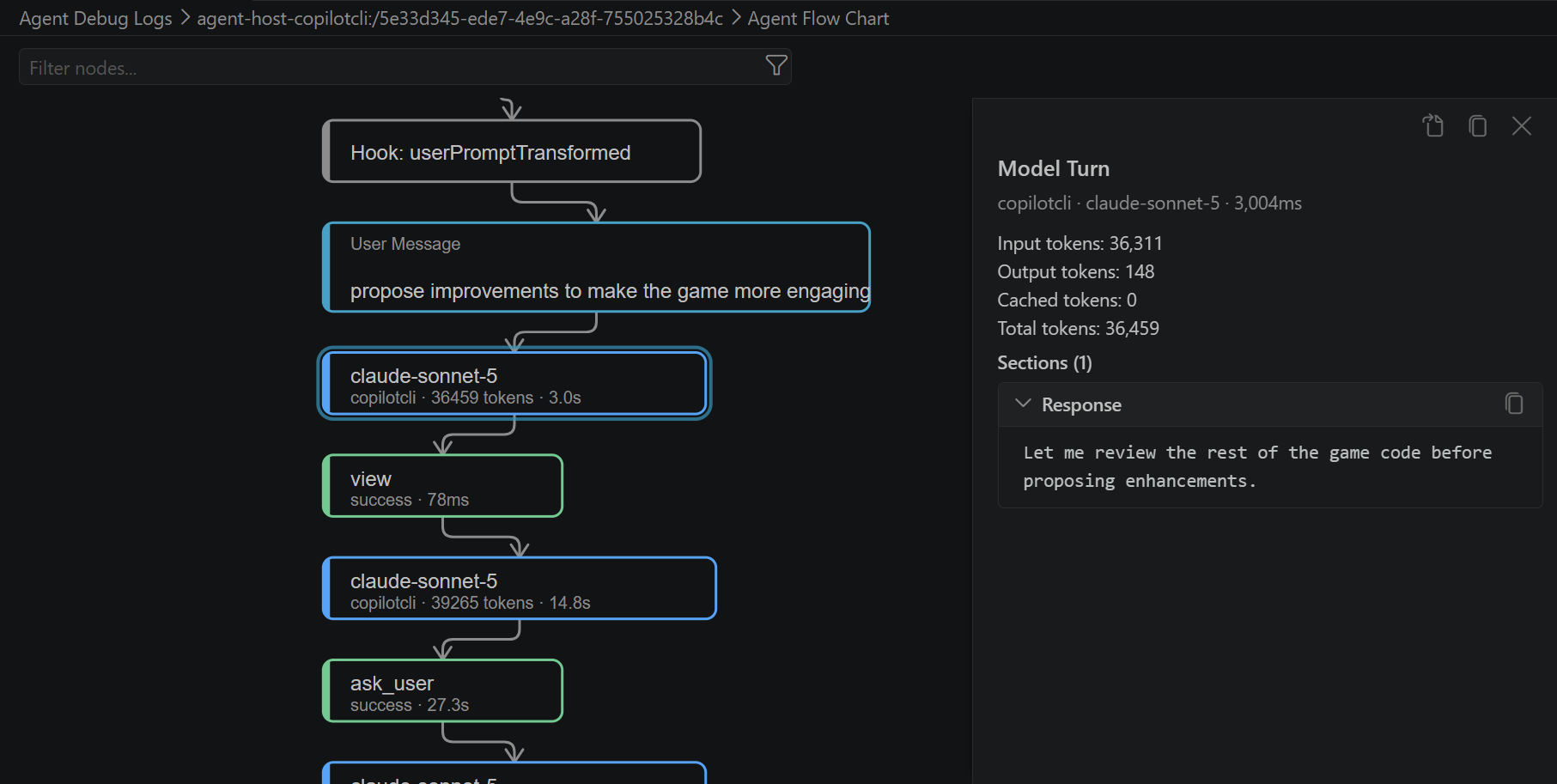
Match the tool to what you need
Use guidance for context, workflows for repeatable work, tools for new capabilities, and hooks for actions that must run consistently.
Agent skills
Save a repeatable process along with the scripts, templates, and resources an agent needs to carry it out.
Custom agents
Create a specialized role with its own instructions, tools, and language model.
MCP servers
Let agents use external tools and data through an open standard.
Hooks
Run a command or check automatically at a specific point in an agent's work.
Start with the context you repeat most
Add an instructions file for the guidance you give every day. As new patterns emerge, build on it with a reusable workflow, specialized role, external capability, or reliable check.