Build more with agents in VS Code
Tell agents what you need, and they'll craft a plan, build, and verify it while you stay in control.
 Download
From prompt to finished task
Give an agent a goal and let it take on the implementation, while you decide how much direction and review the work needs.
Plan before you build
Inspect the codebase, identify dependencies, and review the agent's approach before any files change.
Close the loop
Agents edit code, run commands, diagnose failures, and iterate until the checks pass.
Parallelize independent work
Run bug fixes, refactors, and upgrades in separate sessions with their own context and progress.
Trace work through the whole development lifecycle
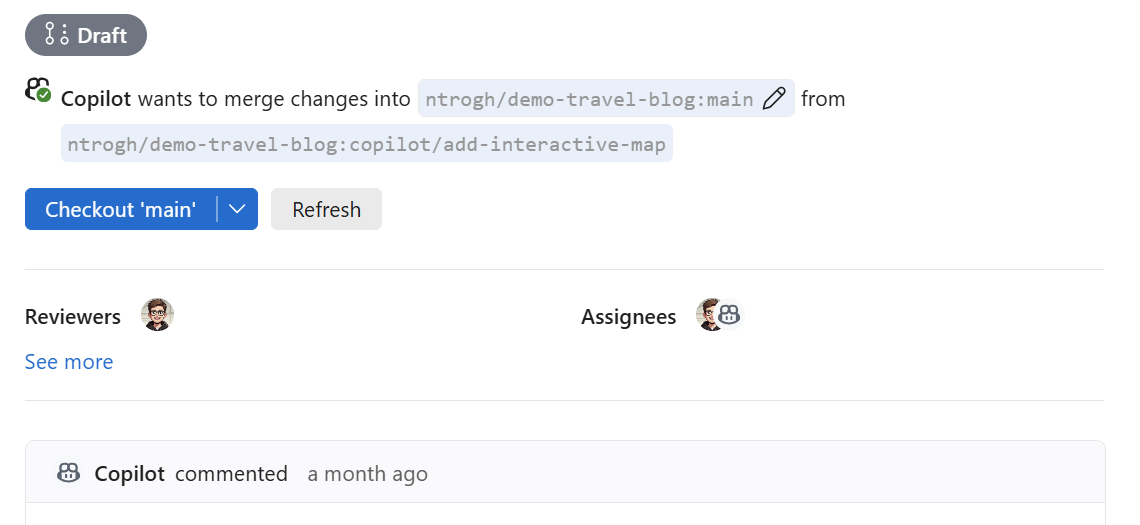
Trace each task from the initial plan to the final diff. Agents inspect the repository, edit files, run commands, and use test or build failures to guide the next pass.
Approve sensitive actions, inspect changes as they land, and redirect the work without losing progress.
Learn how the agent loop works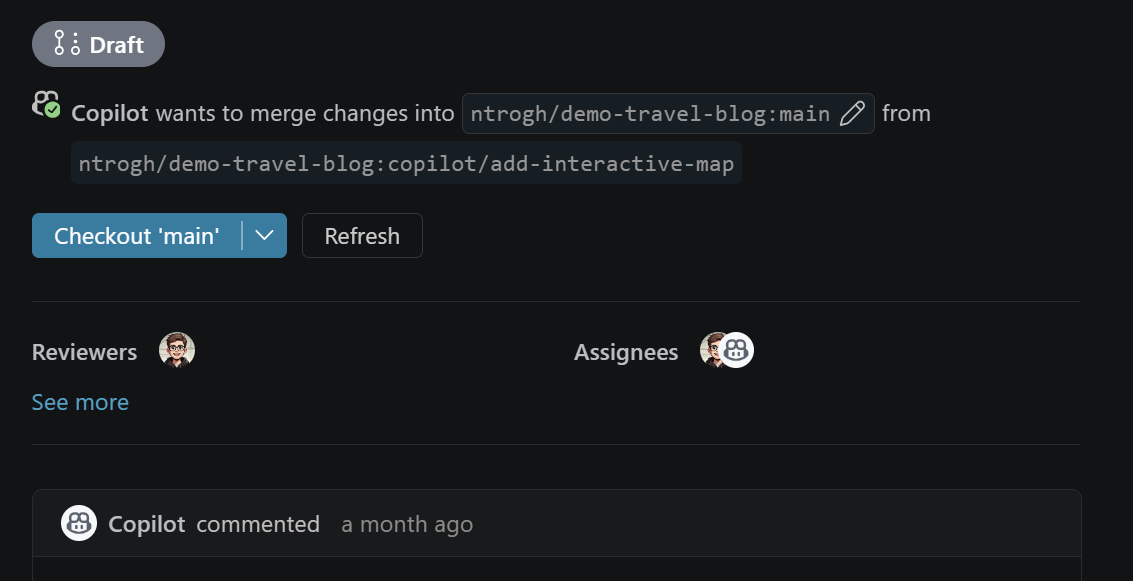
Everywhere you work
Delegate from the Agents window, collaborate alongside your code, or stay in the terminal. Switch surfaces as the task evolves without restarting or re-explaining the work.
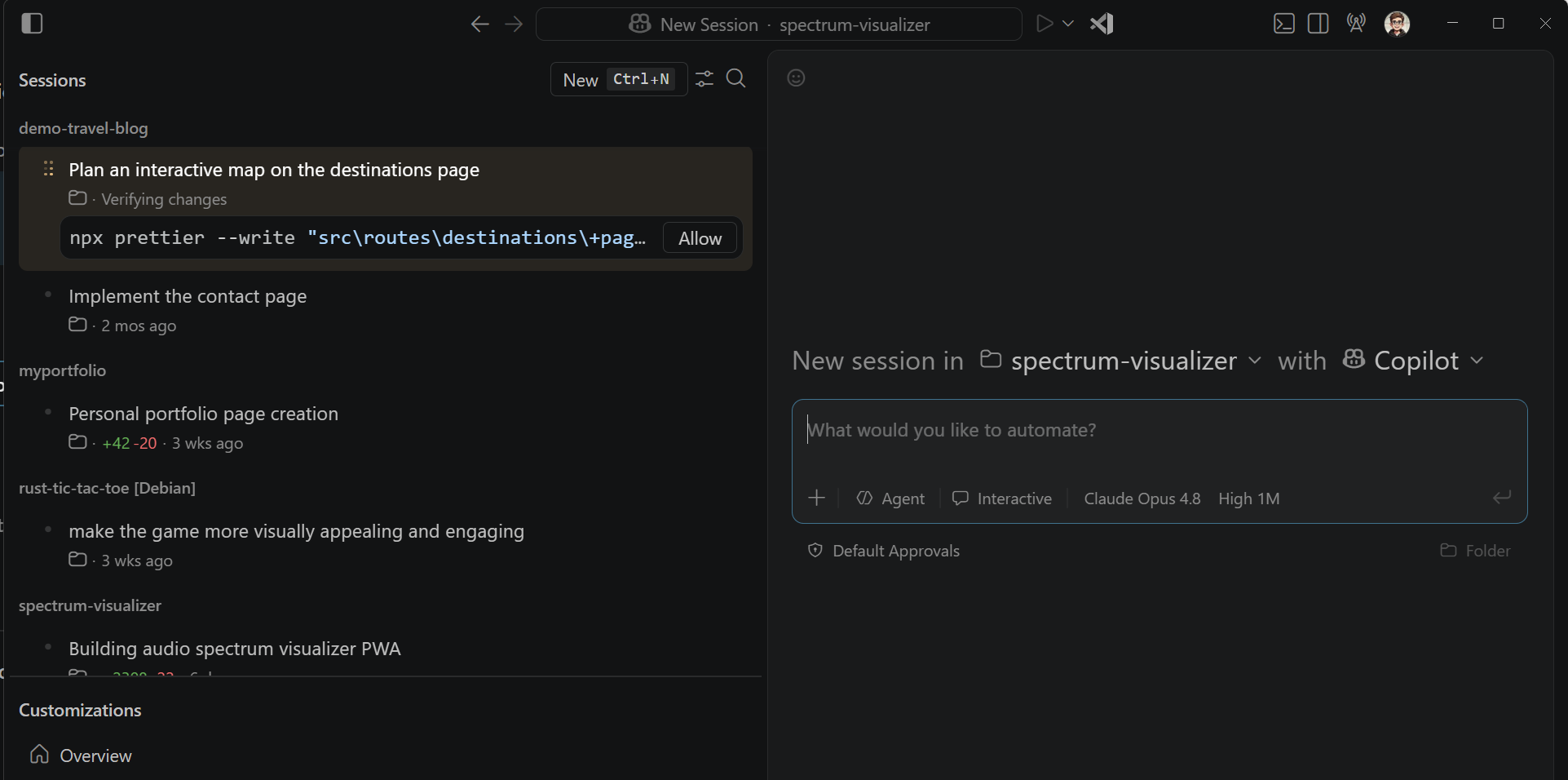
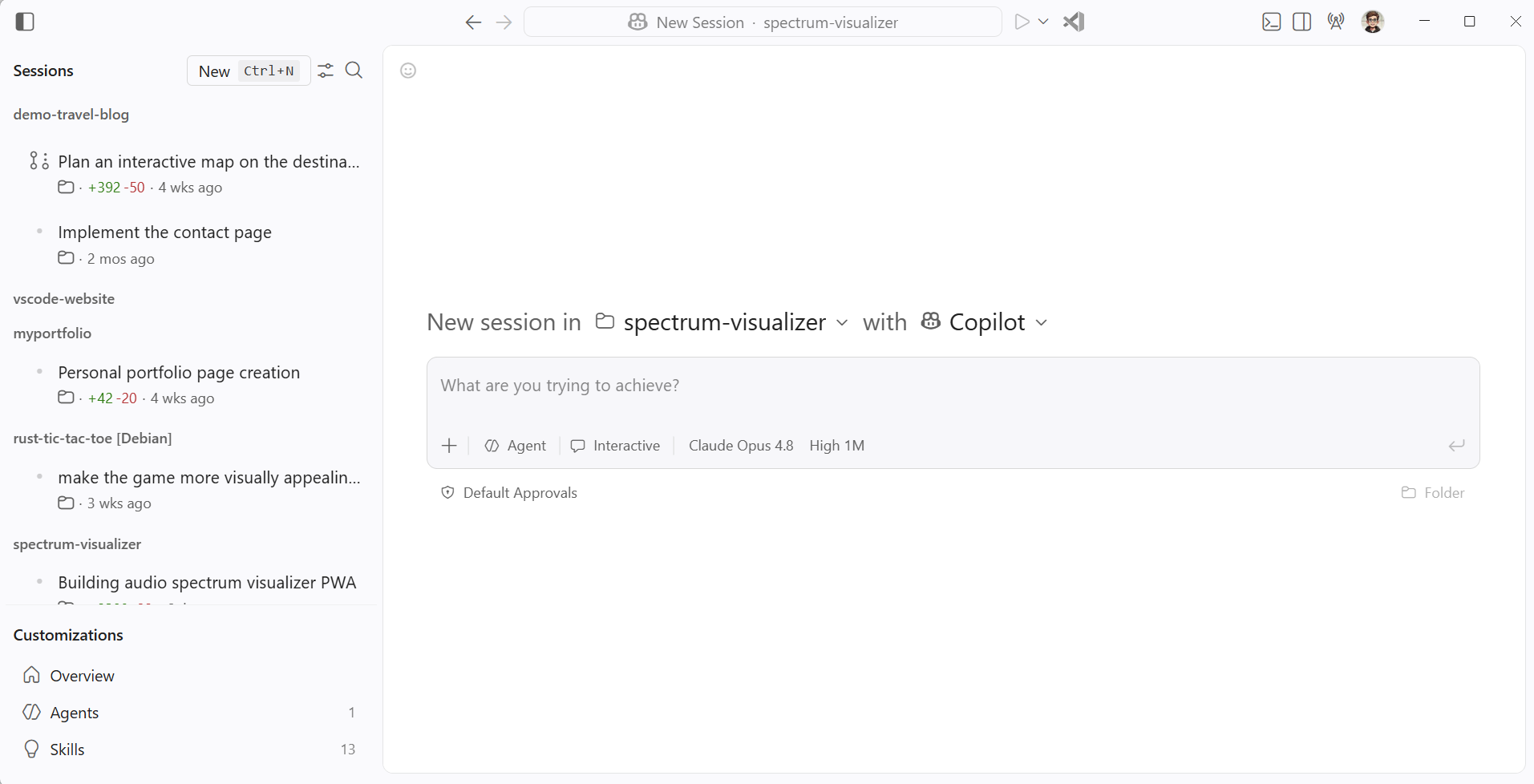
Orchestrate work across agents
Track sessions, review progress, and jump into any task that needs direction while long-running work continues in the background.
Manage agent sessions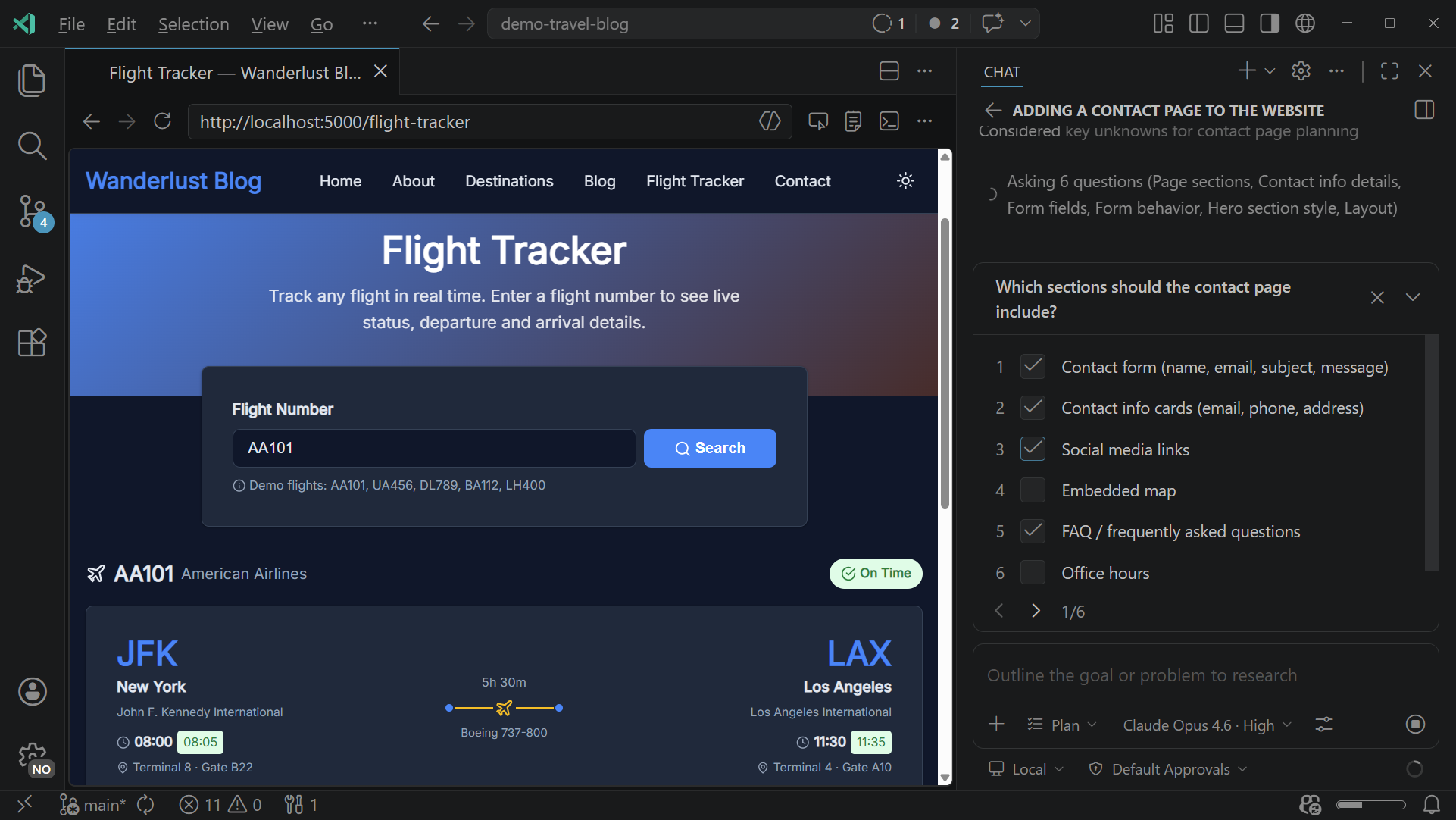
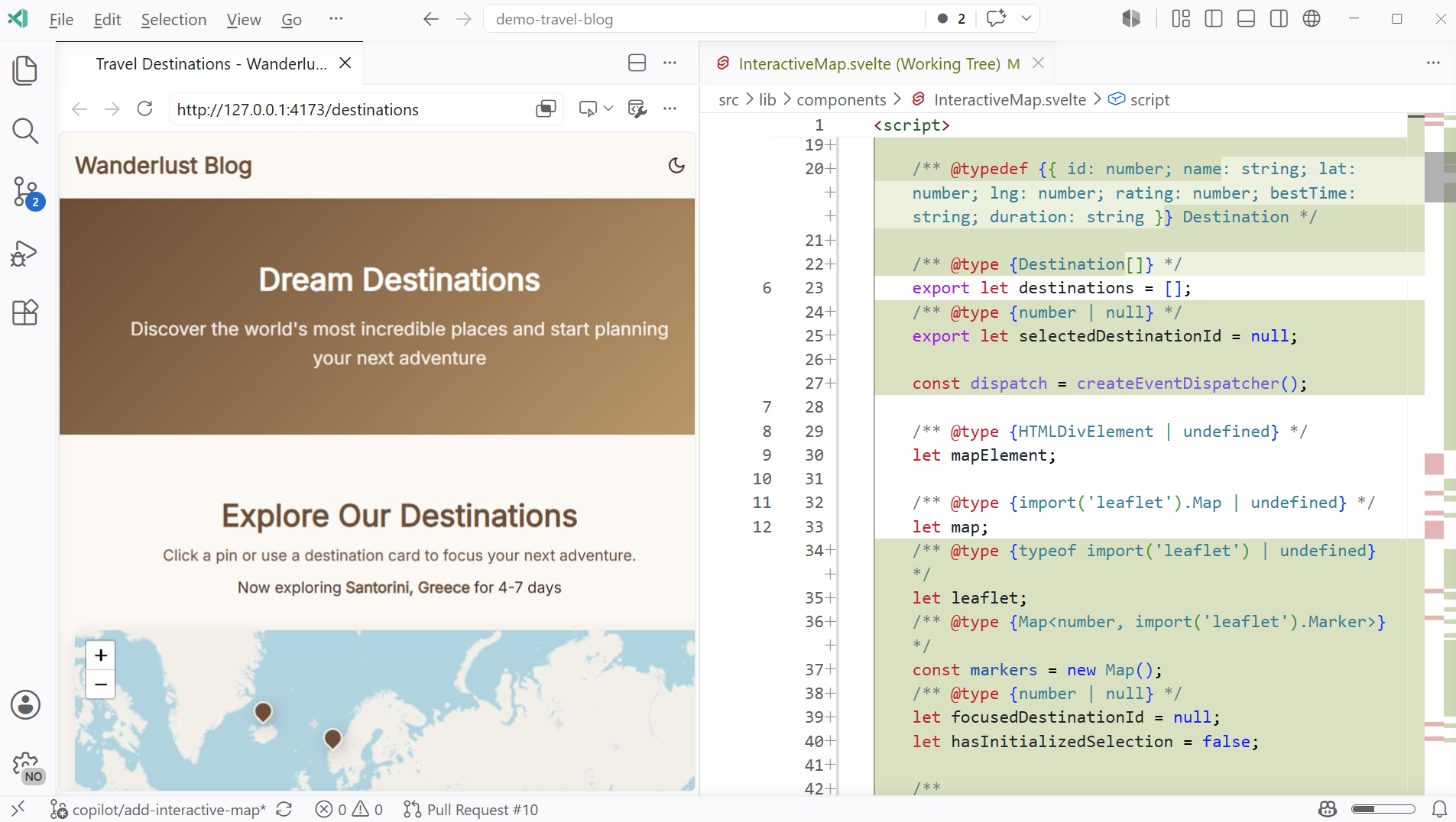
Build alongside your agent
Use Chat for a code-first workflow where you can inspect edits as they happen, ask follow-up questions, and take over in the editor whenever you want.
The full VS Code editing experience stays within reach, including IntelliSense, refactoring, source control, testing, and debugging.
Get started with agents in VS Code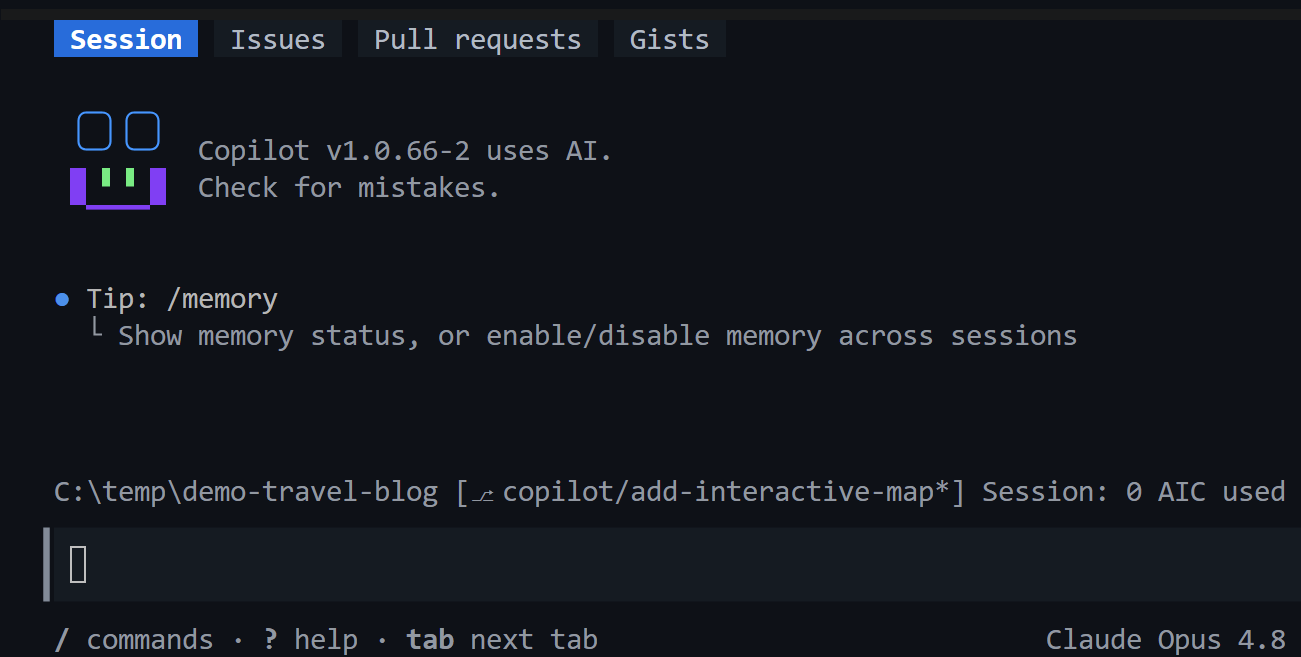
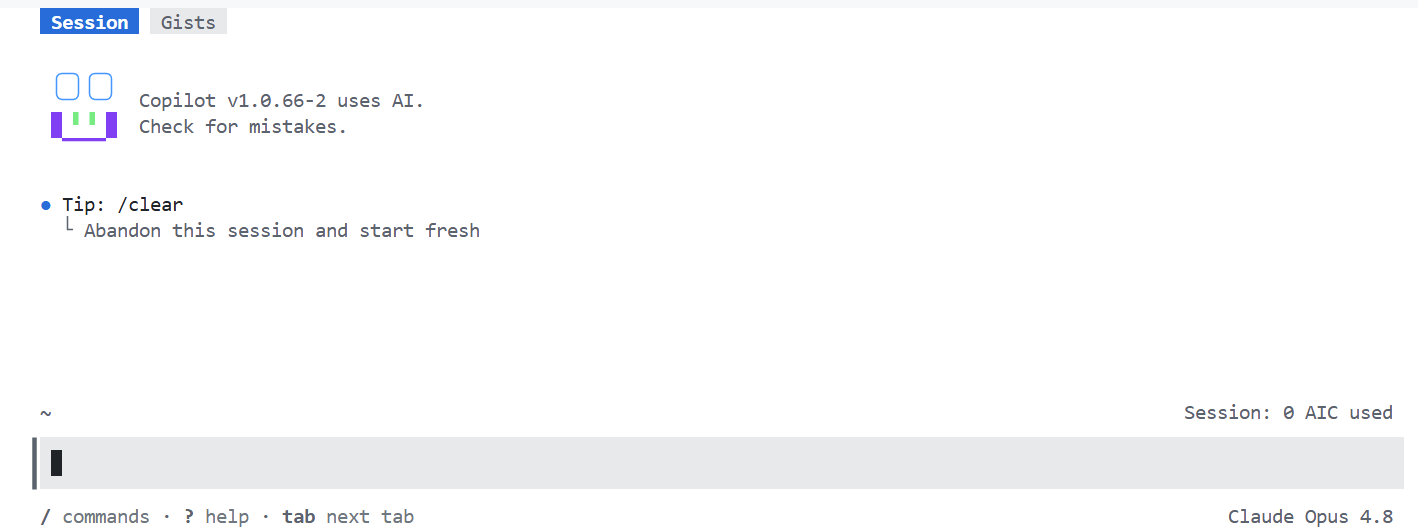
Run agents from the command line
Start agent work from the command line, review the commands it wants to run, and keep the complete workflow in your shell.
When a task needs a closer look, open it in VS Code to inspect the code and continue from the editor.
npm install -g @github/copilot
Put agents to work across your codebase
Apply agents across the development lifecycle, from prototyping and debugging to pull requests and release notes.
Build a feature end-to-end
Describe a feature in natural language. The agent scaffolds, implements across files, and runs tests to verify.
Debug and fix failing tests
Point an agent at a failing test. It traces the root cause, applies a fix, and reruns the test to confirm.
Refactor or migrate a codebase
Plan a migration between frameworks or APIs. The agent applies coordinated changes and verifies them with builds and tests.
Ship prototypes, not specs
Turn user feedback, a Figma file, or a rough idea into a working pull request the team can review and refine.
Audit accessibility and UX
An agent launches your app, navigates the feature, and verifies behavior, layout, and accessibility.
Write docs and release notes
Turn changes across repositories into documentation, changelogs, release notes, and summaries.
Tailor your agent setup
Customize your agents
Shape agent behavior with instructions, skills, custom agents, hooks, and plugins.
Choose agents and models
Pick the agent harness, model, provider, or local endpoint that fits the work.
Delegate to the cloud
Hand off longer-running tasks and review the completed work as a pull request.
Start building with agents
Open VS Code to delegate a task or explore the docs to configure agents for your workflow.