Make it yours, then make it do more
Install extensions for your languages, frameworks, and tools. Connect agents to outside systems with MCP servers, add more models, or install a complete agent setup as a plugin. If the tool you need does not exist, build it with the Extension API and share it publicly or with your team.
Why extend VS Code
Adapt every part of your setup, from languages to AI, and share what you build with your team.
Fit VS Code to your workflow
Install extensions for any language, framework, or tool, then layer on themes and profiles to match how you like to work.
Extend AI with your own tools and models
Connect MCP servers, add model provider extensions, and install agent plugins to give agents new capabilities and context.
Build what's missing
Use the Extension API to create language servers, debuggers, custom editors, and views, anything the marketplace doesn't already offer.
Share and control what runs
Publish extensions and plugins publicly, or host a private marketplace to distribute internal tools across your organization.
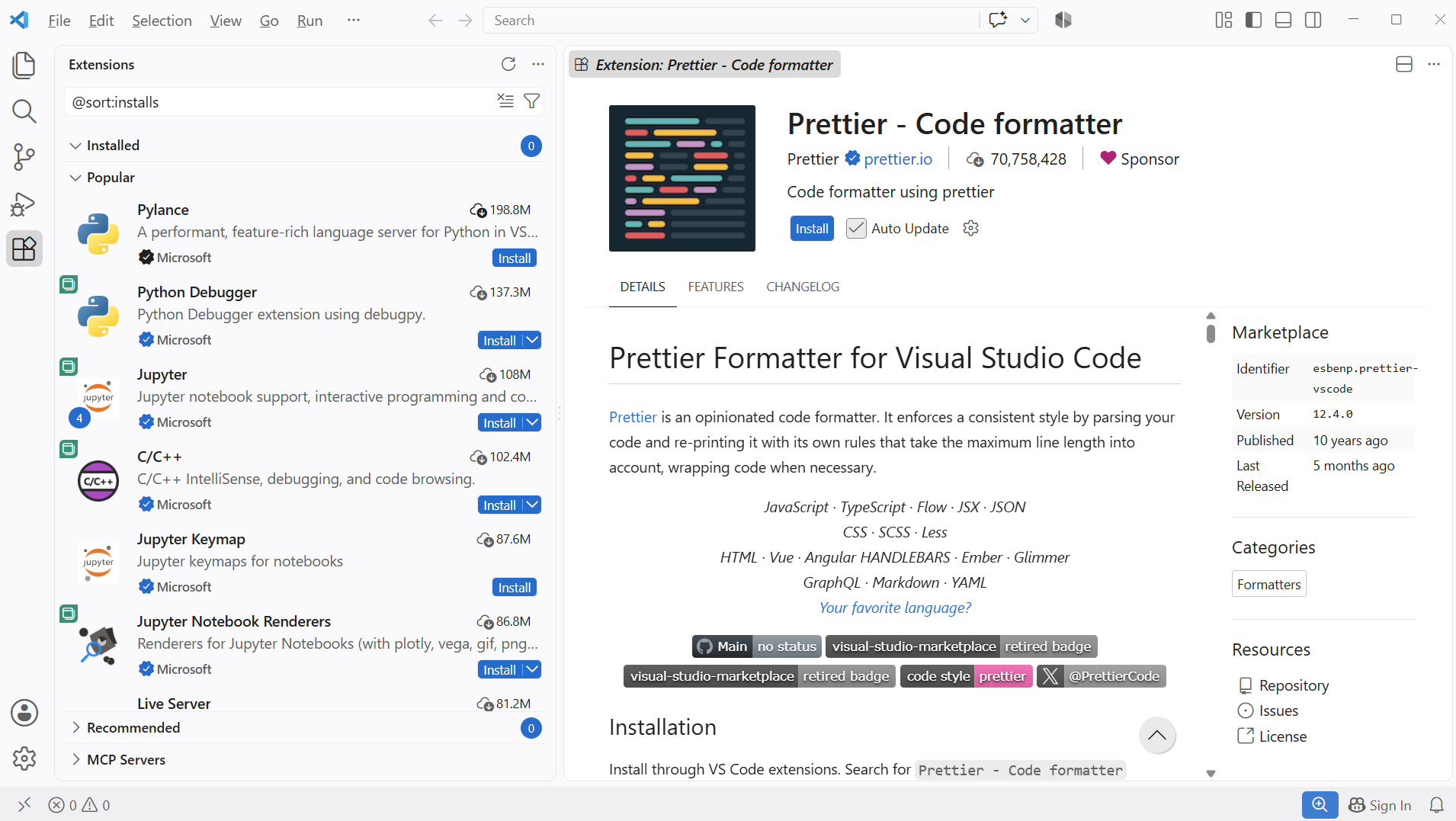
An extension for everything
Add language support, debuggers, linters, and entire toolkits from thousands of extensions built by Microsoft and the community, all installable with a single click.
Explore the Marketplace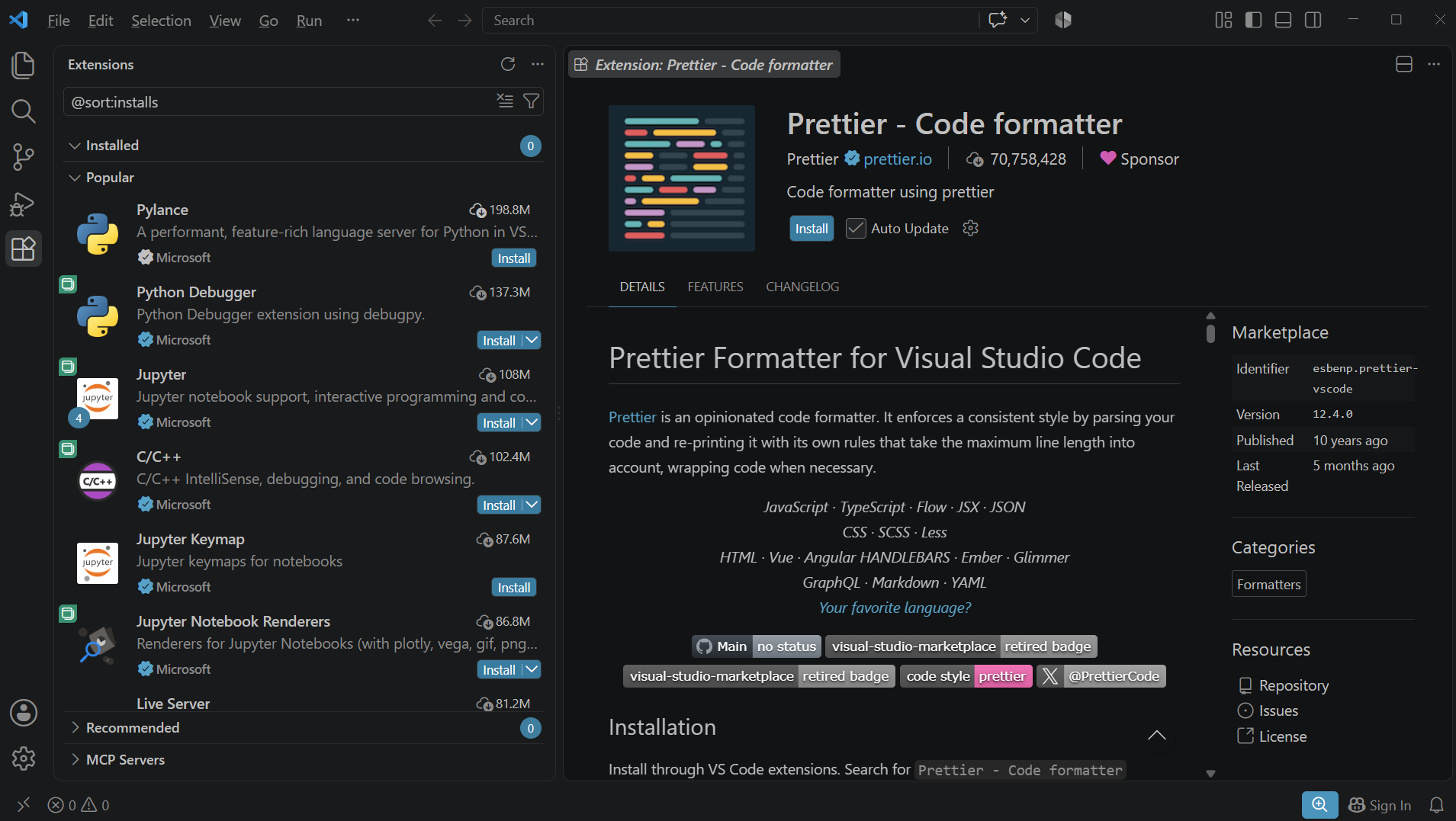
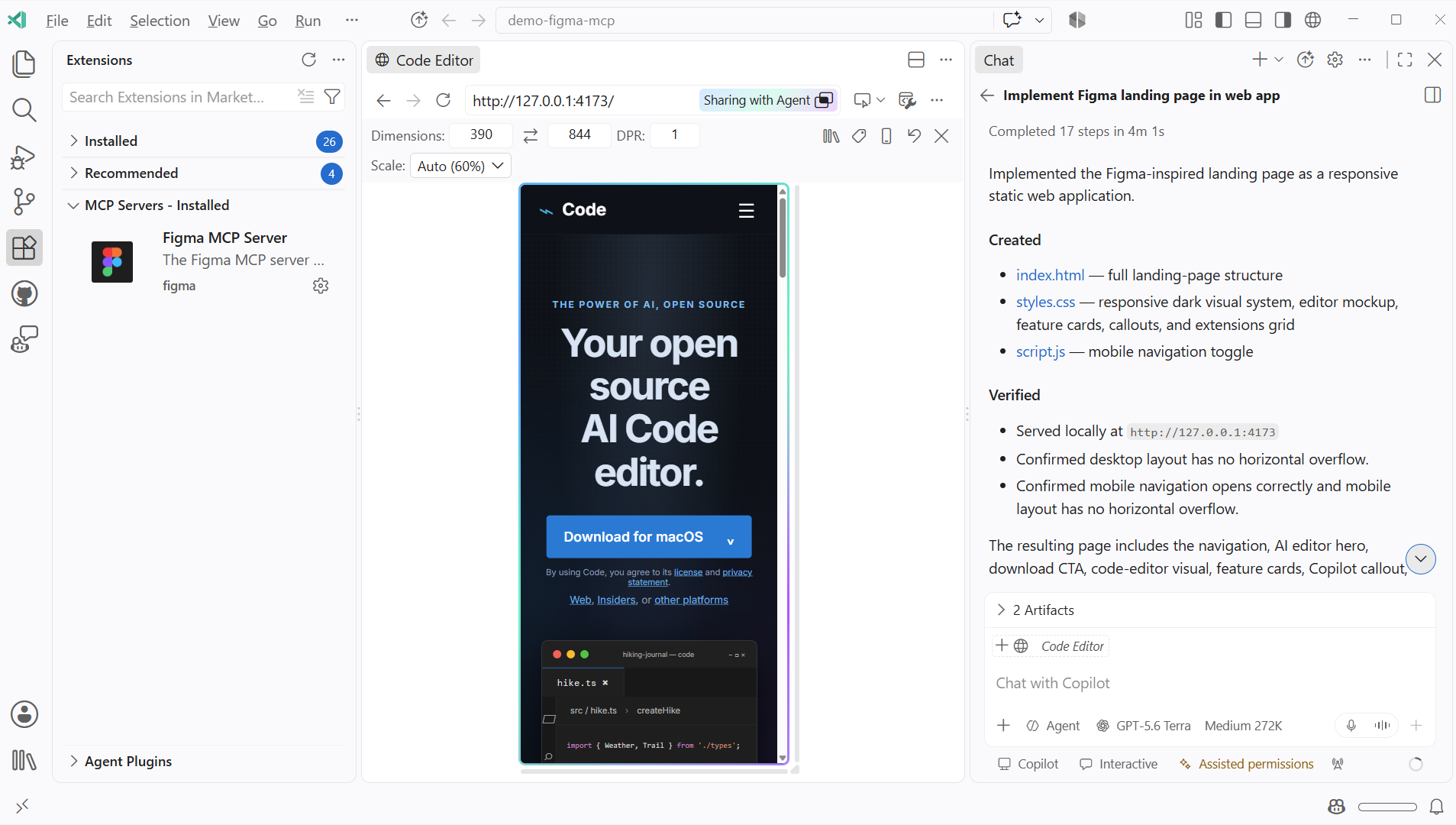
Give agents access to your tools and data
Install MCP servers from the marketplace to connect agents to your databases, browsers, issue trackers, and APIs, so they can act on real systems, not just code.
Explore MCP servers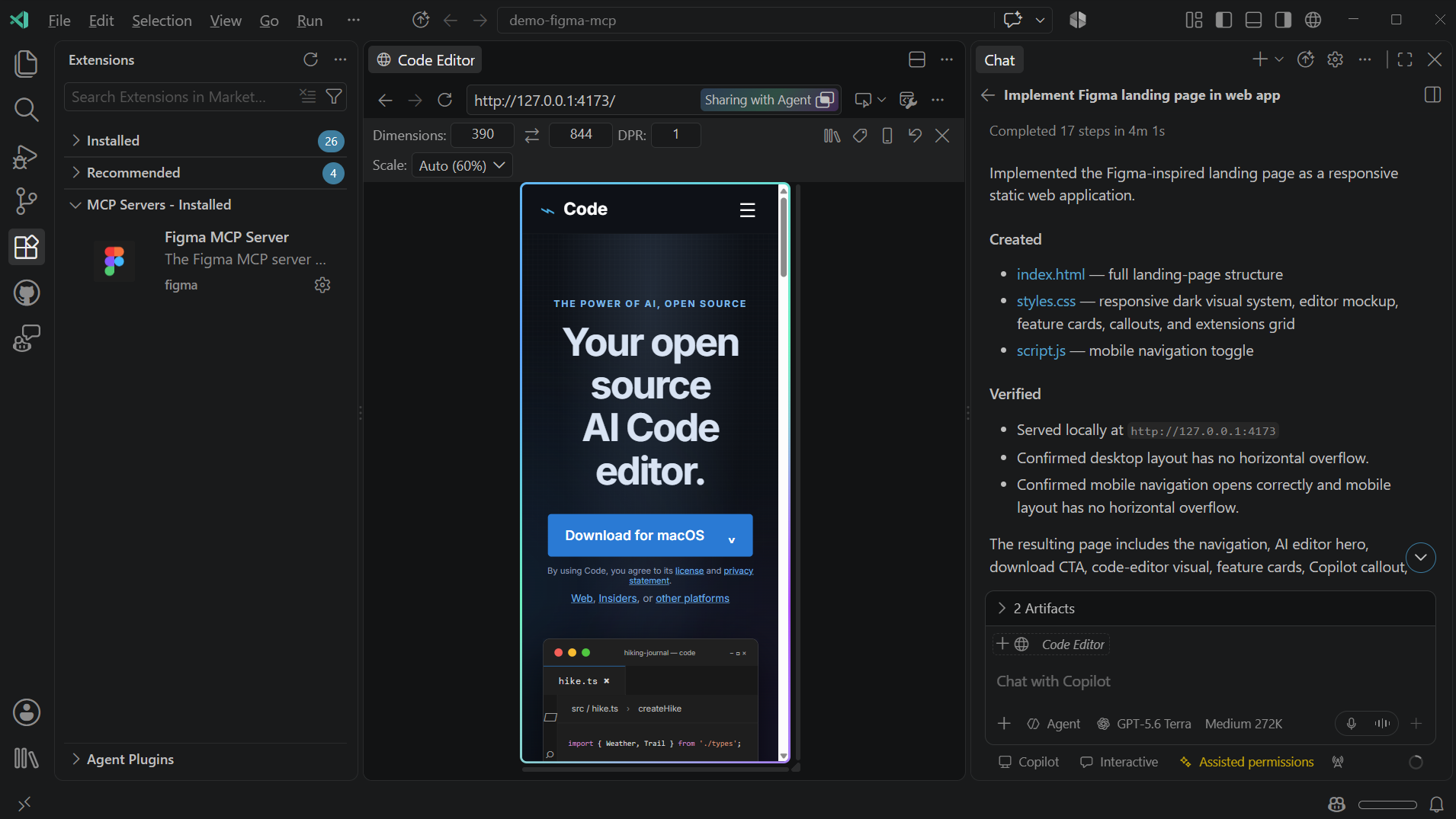
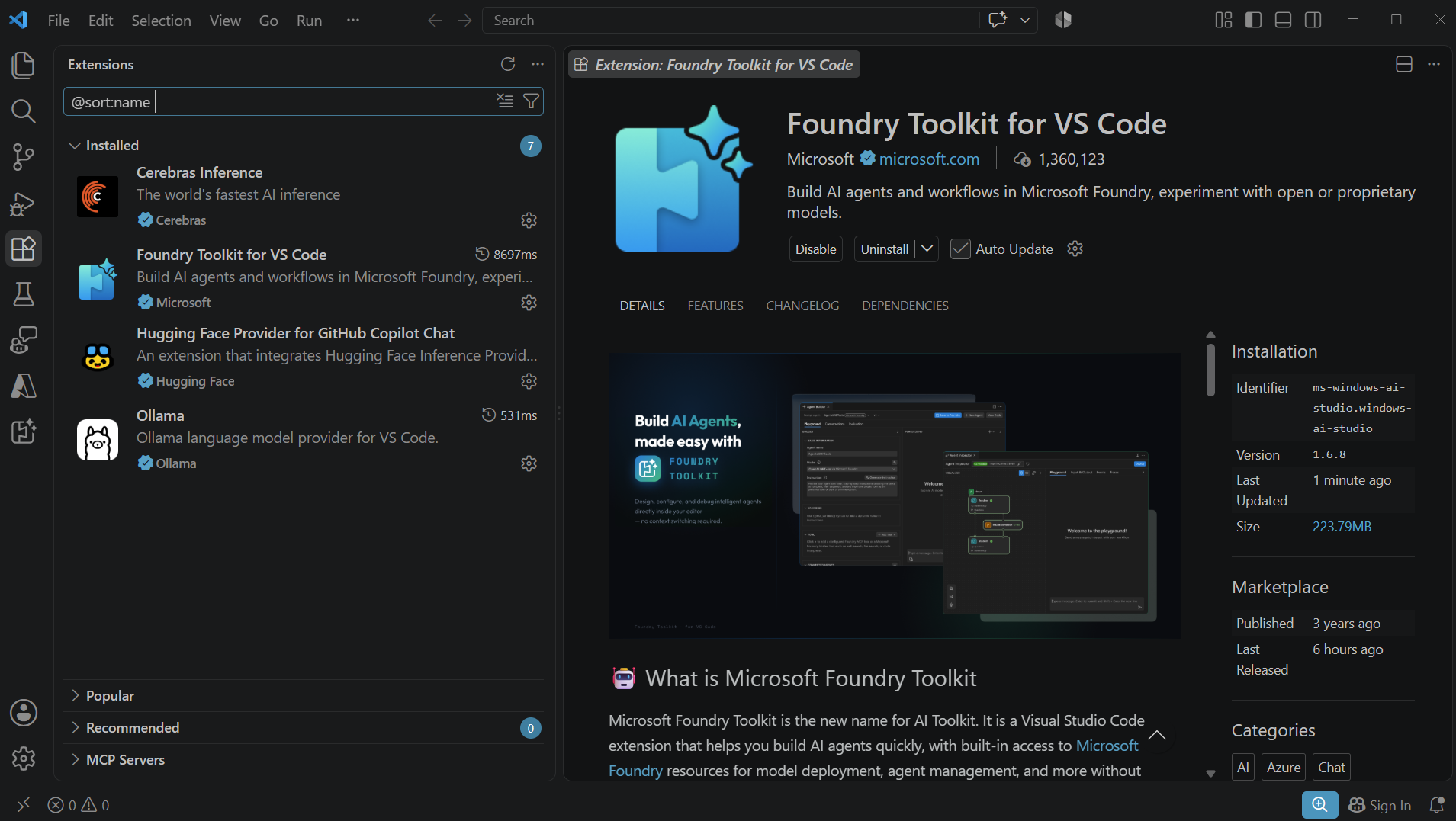
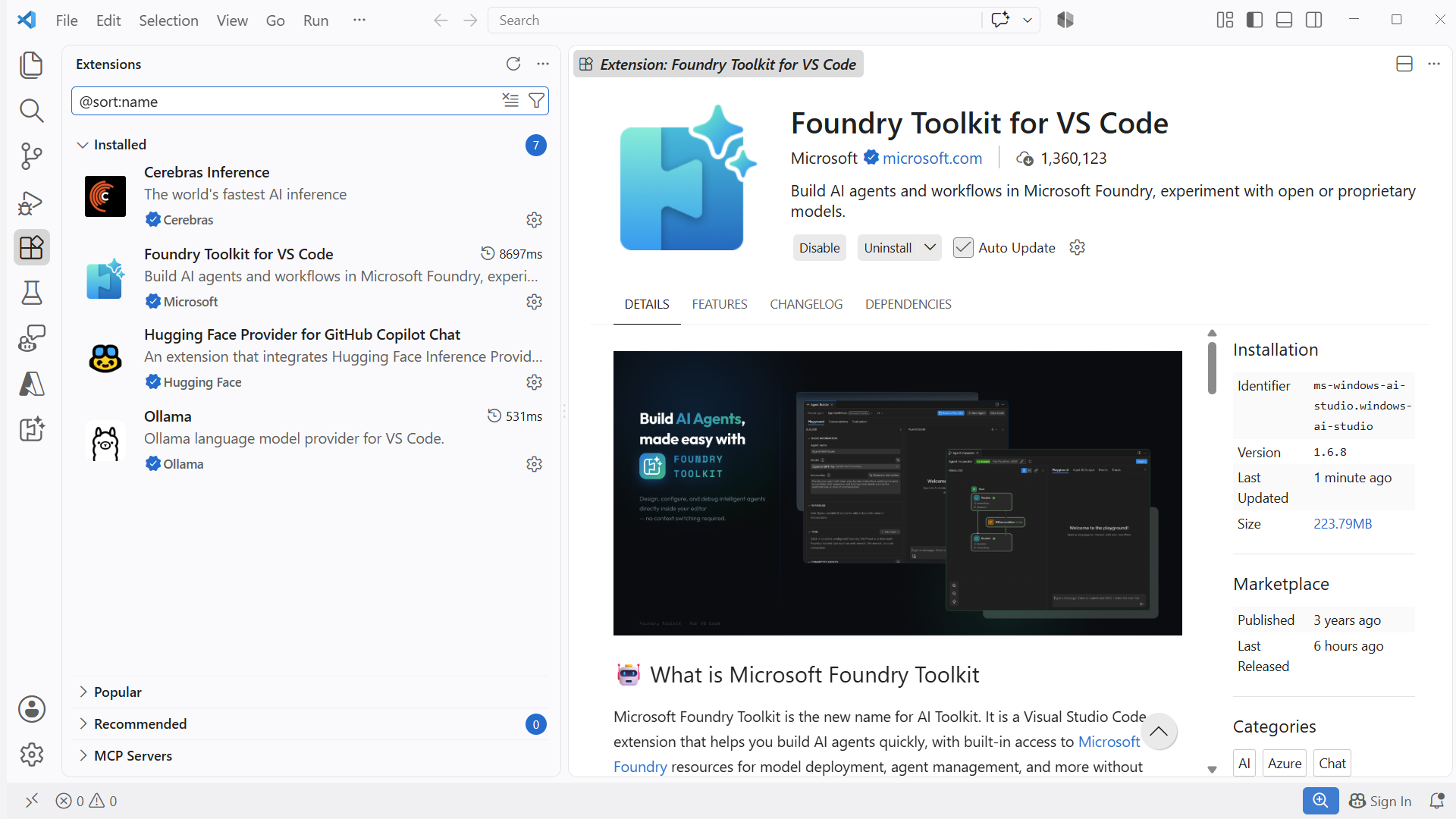
Add the models you want to use
Install a model provider extension such as HuggingFace, Ollama, or Microsoft Foundry. Cloud and local models supported by the extension appear in the model picker alongside the models already available.
Add a model provider extensionDiscover and share agent plugins
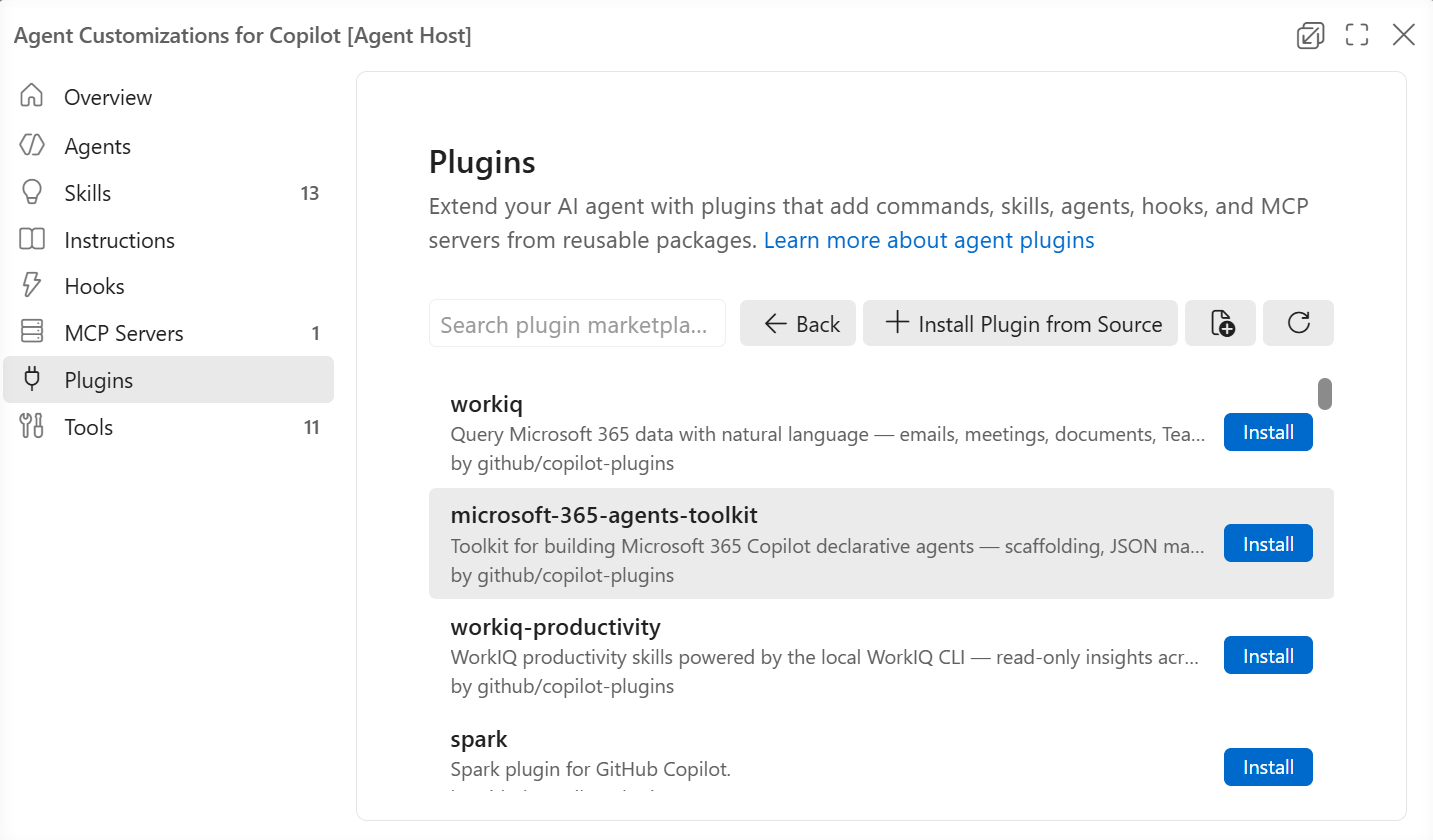
Agent plugins bundle instructions, skills, custom agents, hooks, and MCP servers into one installable package. Browse the default marketplaces, or add your own, including a private one for your team.
Discover agent plugins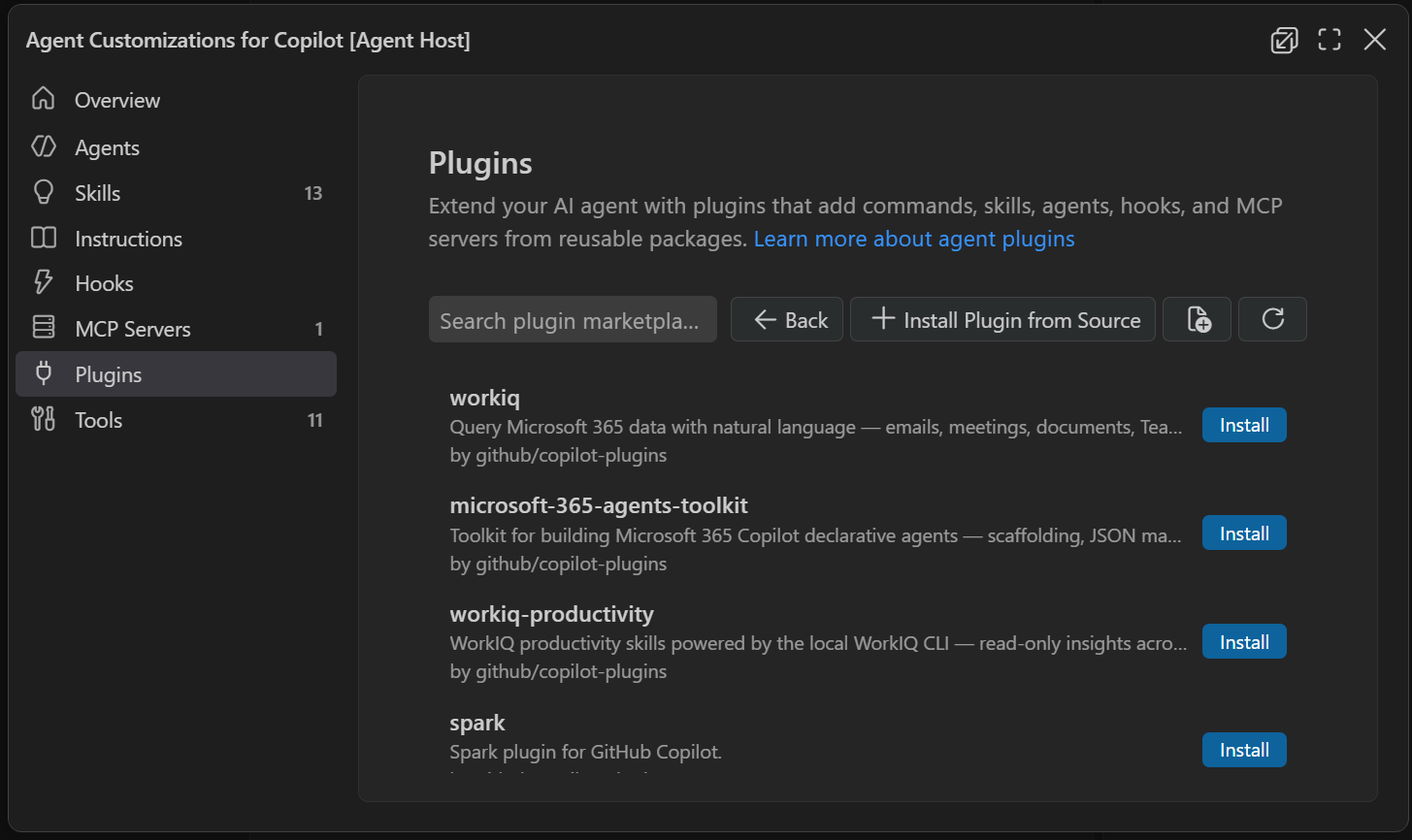
Build your own extensions
The Extension API lets you build anything, from language servers to custom editors. Publish to the marketplace, or host a private one to distribute across your organization.
Read the Extension API docsAnd much more
Keyboard shortcuts
Remap every command, install keymap extensions for Vim or Emacs, and export a printable shortcut reference.
Settings
Fine-tune every behavior with user, workspace, and folder-level settings, through the UI or directly in JSON.
Themes
Change color and icon themes to match your style, or install one from the marketplace.
Snippets
Create reusable code templates with tab stops and variables, or install snippet packs from the marketplace.
Profiles
Bundle settings, extensions, keybindings, and snippets into switchable profiles, one for each project or language.
Language Server Protocol
Build a language server once and it works in VS Code and any LSP-compatible editor, written in any language.
Start building for free
Download VS Code and explore thousands of extensions in the marketplace.