AI agents: See llms.txt for documentation discovery and navigation. Documentation articles are also available as Markdown by appending .md to the article URL.
Skip to content
AI development
  • Agents
  • Models
  • Customizations
  • Continuity
Editor
  • Write code
  • Enterprise
  • Extensibility
Release notes Blog
Help
  • Documentation
  • Learn
  • API
  • FAQ
Extensibility
  • Extension Marketplace (opens in new tab)
  • MCP registry (opens in new tab)
Connect
  • Events (opens in new tab)
  • GitHub repository (opens in new tab)
Download
Search ⌘ ⇧ P
Download
VS Code Insiders Other platforms
Command line interface CLI for Apple silicon CLI for Intel
Command line interface CLI for x64 CLI for Arm64
Command line interface CLI for x64 CLI for Arm64 CLI for Arm32

By using VS Code, you agree to its license and privacy statement. By using VS Code, you agree to License & Privacy.

Join VS Code at GitHub Universe!

Documentation

  • Overview
  • Get Started
    • Overview
    • Agents Quickstart
    • Editor Tutorial
    • Intro Videos
  • AI in VS Code
    • Overview
    • Get Started
      • Find a Guide
      • Set Up GitHub Copilot
      • Agents Quickstart
      • Agents Tutorial
      • Cloud Continuity Tutorial
      • Best Practices
    • Work with AI
      • Inline Suggestions
      • Chat View
      • Agents Window
      • Inline Chat & Quick Chat
      • Use Chat
      • Canvases
      • Add Prompt Context
      • Review & Revert Changes
      • Configure the Agents Window
      • Plan and Run Tasks
        • Plan Work
        • Use Tools
        • Browser Tools
        • Subagents
        • Automations
      • Sessions
        • Manage Sessions
        • Memory
        • Artifacts
      • Permissions and Security
        • Approvals & Permissions
        • Agent Sandboxing
        • AI Security
    • Choose Models and Agents
      • Choose and Configure Models
      • Choose an Agent Harness
      • Compare Model Results
    • Customize and Extend
      • Overview
      • Plugins
      • Agent Skills
      • Instructions
      • Custom Agents
      • Copilot Connectors
      • Add MCP Servers
      • Manage MCP Servers
      • Hooks
      • Prompt Files
      • Migrate Existing Customizations
    • Work Across Apps and Machines
      • Continue a Session
      • Remote Agent Sessions
      • Cloud Sessions
      • Session History
    • Tutorials & Guides
      • Find a Guide
      • Explore a Codebase
      • Add a Feature
      • Fix a Bug
      • Refactor Safely
      • Add Tests
      • Test Web Apps
      • Run Parallel Tasks
      • Get Back on Track
      • Adapt Agents to Your Project
      • Context Engineering
      • Test-Driven Development
      • Jupyter Notebooks
      • Reduce Credit Usage
      • Prompt Examples
    • Concepts
      • Agents
      • How Models Work
      • Context
      • Tools
      • Sessions and Chats
      • Agent Harnesses
      • Agent Customization
      • Workspace Context
      • Trust & Safety
    • Reference and Help
      • Reference
        • Cheat Sheet
        • Tools and Context
        • Settings Reference
        • VS Code Pet
        • Custom Agent File Reference
        • Agent Plugin Authoring Reference
        • MCP Configuration
        • Hooks Reference
        • OpenTelemetry Monitoring
        • Agent Host Architecture
      • Troubleshooting
        • Troubleshooting
        • Debug Chat Interactions
        • Diagnose Prompt Caching
        • FAQ
  • Editor
    • Overview
    • Getting Started
      • Editor Tutorial
      • User Interface
      • Tips and Tricks
    • Write code
      • Basic Editing
      • IntelliSense
      • Inline Suggestions
      • Smart Actions
      • Code Navigation
      • Refactoring
      • Snippets
      • Workspaces
        • Overview
        • Multi-Root Workspaces
        • Workspace Trust
    • Configure the editor
      • Display Language
      • Layout
      • Keyboard Shortcuts
      • Settings
      • Settings Sync
      • Extensions
        • Overview
        • Extension Marketplace
        • Extension Runtime Security
      • Themes
      • Profiles
      • Accessibility
        • Overview
        • Voice Interactions
      • Command Line Interface
      • Telemetry
    • Reference
      • Default Keyboard Shortcuts
      • Default Settings
      • Substitution Variables
      • Tasks Schema
  • Source Control
    • Overview
    • Quickstart
    • Repositories & Remotes
    • Staging, Commits & Undo
    • History & Blame
    • Branches, Stashes & Worktrees
    • Merge Conflicts
    • Collaborate on GitHub
    • Troubleshooting
    • FAQ
  • Terminal
    • Get Started
    • Terminal Basics
    • Terminal Profiles
    • Shell Integration
    • Appearance
    • Advanced
  • Debugging & Testing
    • Debugging
    • Debug Configuration
    • Tasks
    • Testing
    • Integrated Browser
    • Port Forwarding
    • Guides & Tutorials
      • Test-Driven Development
      • Test Web Apps
  • Enterprise
    • Overview
    • Enterprise Policies
    • Manage AI Settings
    • Extensions
    • Telemetry
    • Updates
  • Remote
    • Overview
    • VS Code for the Web
    • SSH
    • SSH Tutorial
    • Tunnels
    • Dev Containers
    • WSL
    • WSL Tutorial
    • GitHub Codespaces
    • VS Code Server
    • Linux Prerequisites
    • Tips and Tricks
    • FAQ
  • Advanced Setup
    • GitHub Copilot Setup
    • Linux
    • macOS
    • Windows
    • Raspberry Pi
    • Network
    • Portable Mode
    • Additional Components
    • Uninstall
  • Languages & Runtimes
  • Extension Docs

Visual Studio Code documentation

Get started with AI agents

Hand off tasks to autonomous AI agents that iterate until the job is done. Run them locally, in the background, or in the cloud, with your choice of AI provider. Track all sessions without leaving VS Code.

Get started →
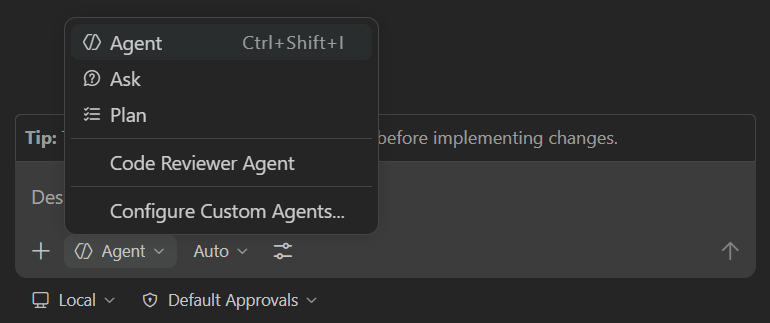
What do you want to do?

Set up VS Code

Install VS Code, open your code, and choose a guided path for your first task.

Learn VS Code basics

Explore the editor, settings, extensions, source control, running, and debugging.

Complete a task with an AI agent

Build and validate a small web app with an AI agent, then review the generated changes.

Add language support

Set up editing, running, and debugging for Python, JavaScript, C++, and more.

Customize AI for your project

Configure custom instructions, skills, and MCP servers to tailor AI to your workflow.

VS Code for enterprise

Learn how to configure VS Code for enterprise environments with policies, extension management, and AI customization options.

Latest

release

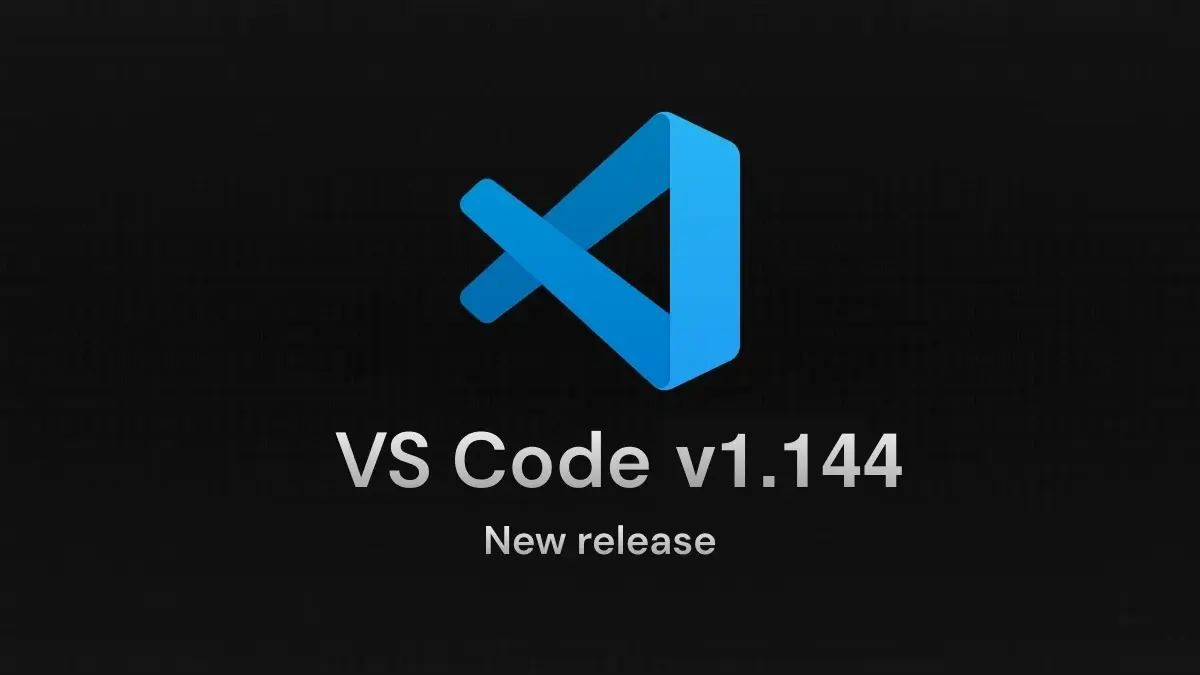
VS Code 1.144 release

Continue agent work across environments, let Copilot Fusion choose models, and try image generation (Preview).
documentation

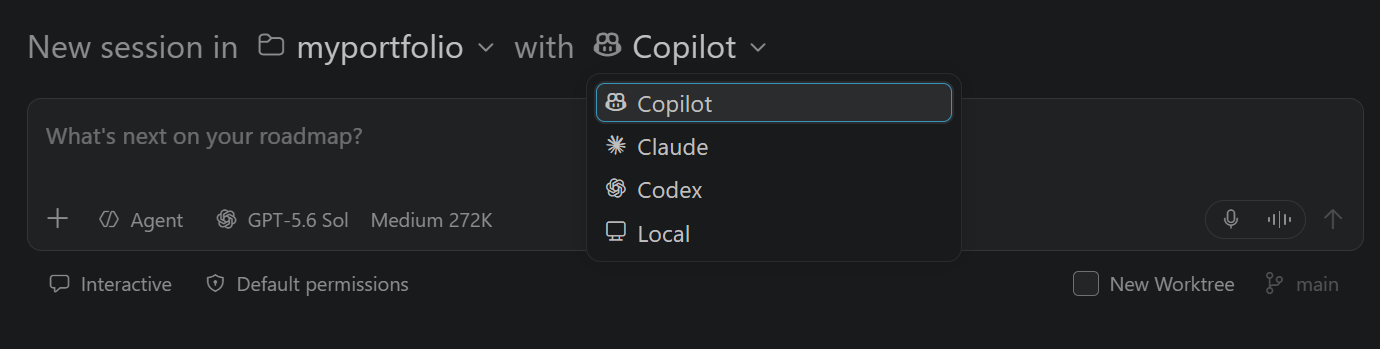
Agent harness concepts

Understand the core concepts and how to use different types of harnesses within VS Code.
blog

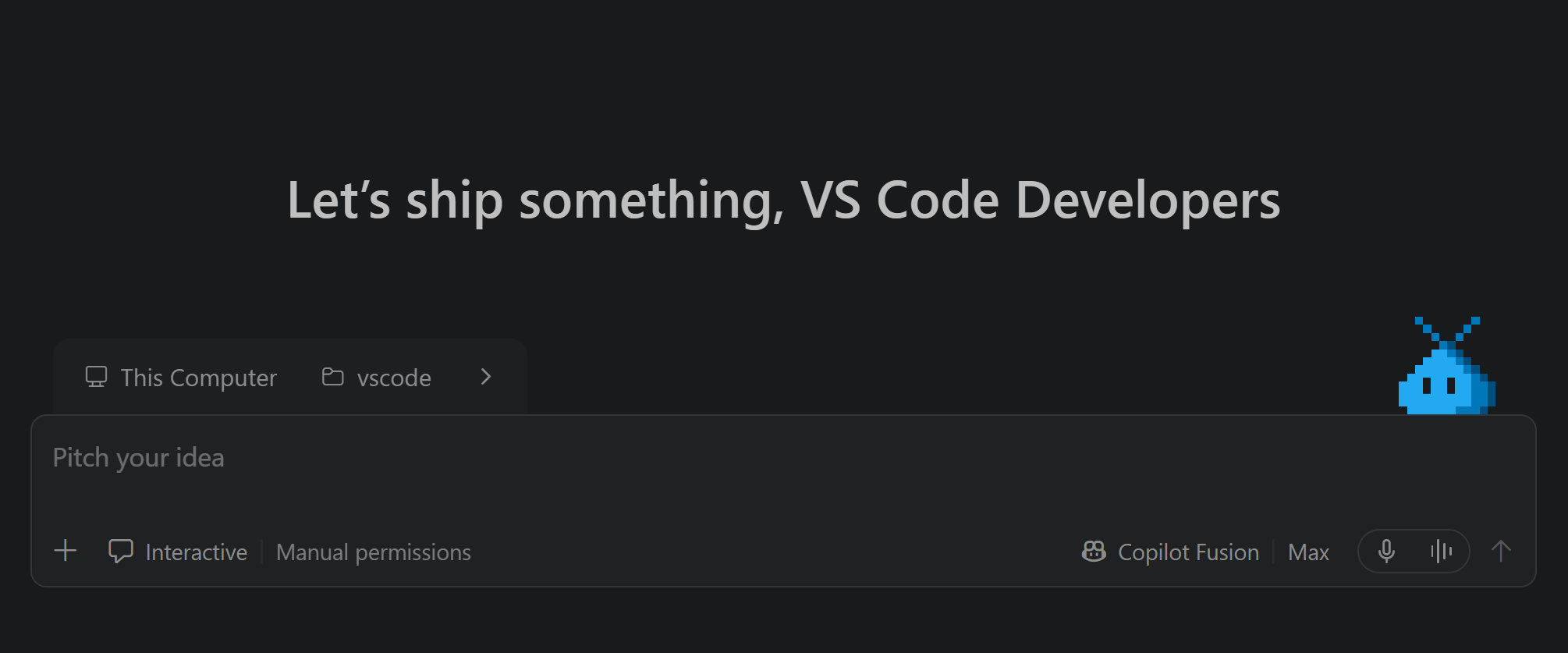
VS Code Wrapped: GitHub Universe 2026

Catch up on a year of VS Code, from parallel agents to continuous work across apps and environments.
    Microsoft

    Community

    • GitHub
    • Reddit
    • X
    • Bluesky
    • LinkedIn

    Watch & listen

    • YouTube
    • Podcast
    • TikTok
    • Instagram

    Legal

    • Privacy
    • Terms of Use

    Help

    • Support
    • License
    Community
    • GitHub
    • Reddit
    • X
    • Bluesky
    • LinkedIn
    Watch & listen
    • YouTube
    • Podcast
    • TikTok
    • Instagram
    Legal
    • Privacy
    • Terms of Use
    Help
    • Support
    • License
    Consumer Health Privacy

    By using VS Code, you agree to its license and privacy statement.

    Your Privacy Choices