Visual Studio Code
  • Features
    • Agents
  • Docs
    • Documentation
    • API
  • Updates
  • Blog
  • Extensions
  • MCP
  • FAQ
  • Learn
  • Events
  • Download
Search
Download

📼 Rewatch VS Code Live at MS Build 2026

Dismiss this update

Your download of Visual Studio Code should start shortly. Direct download link.

What's new

Latest

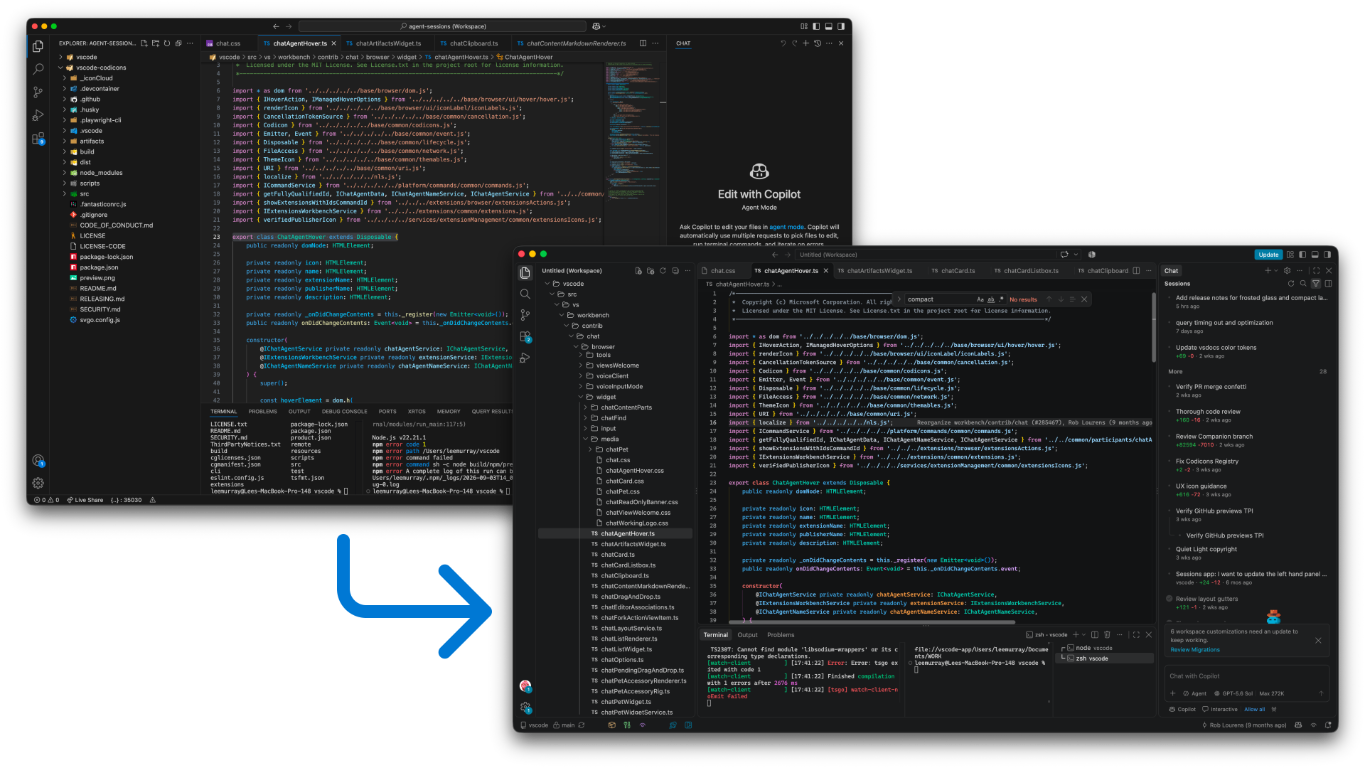
Smarter Autopilot and faster agent sessions

Autopilot is enabled by default and decides when a task is truly done, navigate agent sessions with the keyboard, and restore your layout on reload.

Learn more →
learn

Learn VS Code

Build your skills with structured training modules with hands-on exercises and real-world examples.

documentation

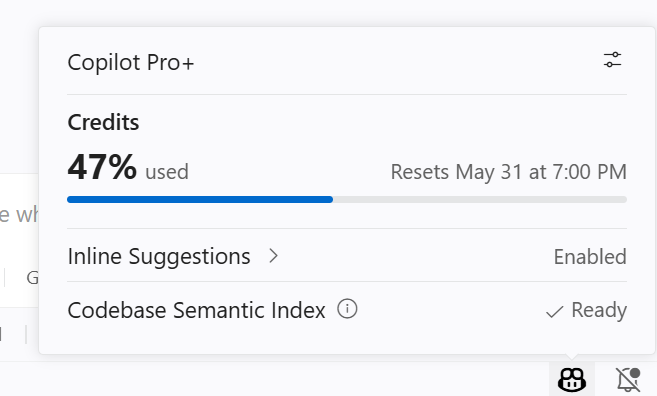
Optimize your AI usage

Tips to help you get the most out of AI agents, while optimizing for cost and performance.
tutorial

Build and test with browser agent tools

Let AI build web apps and automatically verify them in the integrated browser, catching and fixing bugs on its own.

Get started

Set up Visual Studio Code

Follow the setup guide to install and configure VS Code for your OS.

Get started with VS Code

Discover how to work with agents in VS Code with the step-by-step tutorial.

Write code in the editor

Discover the key code editing features in VS Code.

    • VS Code on Github
    • Follow us on X
    • VS Code on LinkedIn
    • VS Code on Bluesky
    • Join the VS Code community on Reddit
    • The VS Code Insiders Podcast
    • VS Code on TikTok
    • VS Code on YouTube
    Microsoft homepage
    • Support
    • Privacy
    • Manage Cookies
    • Terms of Use
    • License
    • Your Privacy Choices Opt-Out Icon Your Privacy Choices
    • Consumer Health Privacy