Skip to content
AI development
  • Agents
  • Models
  • Customizations
  • Continuity
Editor
  • Write code
  • Enterprise
  • Extensibility
Release notes Blog
Help
  • Documentation
  • Learn
  • API
  • FAQ
Extensibility
  • Extension Marketplace (opens in new tab)
  • MCP registry (opens in new tab)
Connect
  • Events (opens in new tab)
  • GitHub repository (opens in new tab)
Download
Search ⌘ ⇧ P
Download
VS Code Insiders Other platforms
Command line interface CLI for Apple silicon CLI for Intel
Command line interface CLI for x64 CLI for Arm64
Command line interface CLI for x64 CLI for Arm64 CLI for Arm32

By using VS Code, you agree to its license and privacy statement. By using VS Code, you agree to License & Privacy.

Join VS Code at Microsoft Ignite or catch the sessions online.

A year of VS Code, wrapped. Explore the highlights.

Your download of Visual Studio Code should start shortly. Direct download link.

What's new

Latest

Get to know VS Code

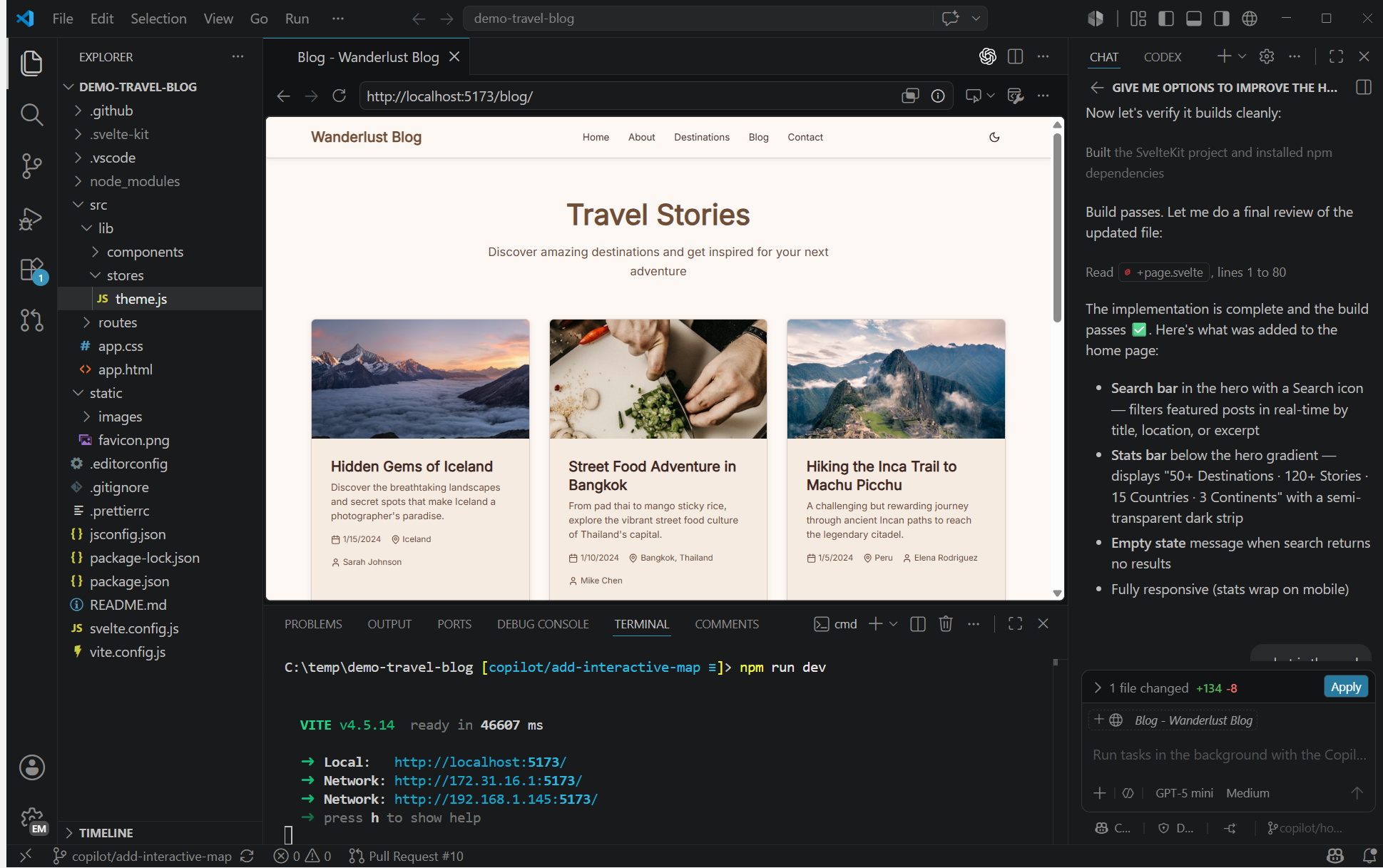
Understand how projects, language tools, and optional AI fit together, then choose your first hands-on task.

Learn more →
documentation

Learn the editor

Create, preview, and debug a small app while learning the editor. No AI required.

documentation

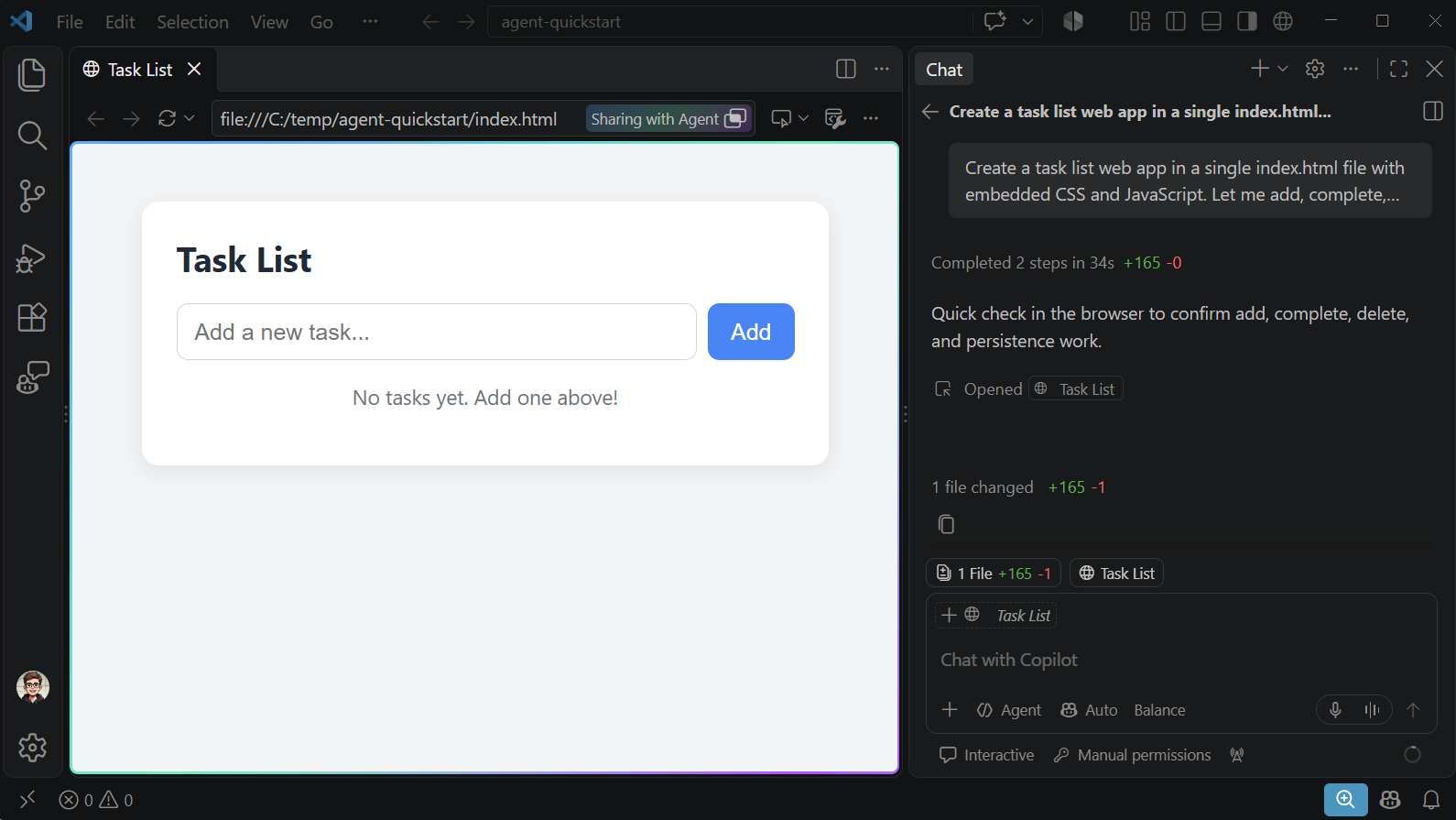
Build your first app with AI

Build a small web app with an AI agent, test it in the browser, and review the generated changes.
release

Schedule requests with Send Later

This week, save requests as drafts or schedule them for later. When you're ready, let a model router match the task to your preferred model. And when a result is easier to show than explain, ask for a chart or mockup.
Get started

Set up Visual Studio Code

Follow the setup guide to install and configure VS Code for your OS.

Get started with VS Code

Discover how to work with agents in VS Code with the step-by-step tutorial.

Write code in the editor

Discover the key code editing features in VS Code.

    Microsoft

    Community

    • GitHub
    • Reddit
    • X
    • Bluesky
    • LinkedIn

    Watch & listen

    • YouTube
    • Podcast
    • TikTok
    • Instagram

    Legal

    • Privacy
    • Terms of Use

    Help

    • Support
    • License
    Community
    • GitHub
    • Reddit
    • X
    • Bluesky
    • LinkedIn
    Watch & listen
    • YouTube
    • Podcast
    • TikTok
    • Instagram
    Legal
    • Privacy
    • Terms of Use
    Help
    • Support
    • License
    Consumer Health Privacy

    By using VS Code, you agree to its license and privacy statement.

    Your Privacy Choices